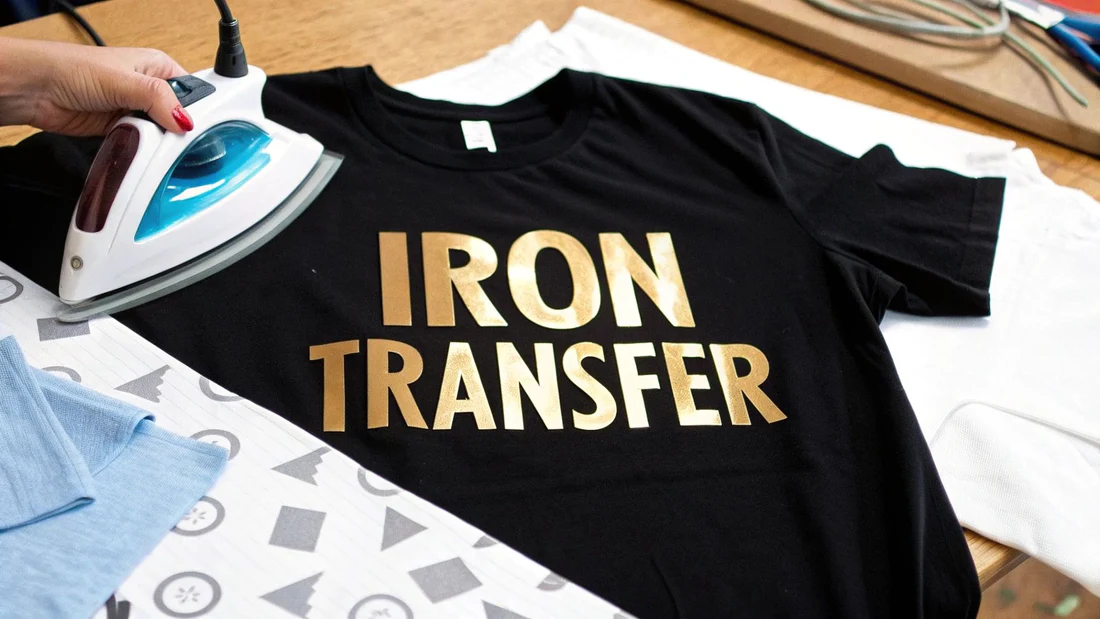
If you've always wanted to create personalized T-shirts without buying an expensive printer, T-shirt transfer paper is the personalization solution you've been looking for.
I still remember my first attempt. I printed the design onto heat transfer paper, pasted it onto a black T-shirt, and then ironed it. The result? The design was barely visible. Later I realized I'd used the wrong type of transfer paper—light fabric transfer paper on a dark-colored garment.
That experience taught me an important lesson: understanding what T-shirt transfer paper is and how it works is key to avoiding wasted time and reducing costs.
In this guide, I'll explain everything you need to know about T-shirt transfer paper—its definition, how it works, the different types, and how to use heat transfer paper correctly. I'll also share our over 20 years of manufacturing experience at Koala Paper, where we've been dedicated to developing cotton and inkjet transfer papers for our global clients.
What is T-shirt transfer paper?

T-shirt transfer paper (also known as heat transfer paper or iron on transfer paper) is a special coated paper designed for use with standard inkjet printers. You can print your design onto the transfer paper using regular inkjet printer ink, then heat and pressurize it to transfer the image onto the fabric.
You can think of transfer paper as a temporary carrier for your design. It absorbs ink during the printing process, and when heated and pressurized, the ink is transferred to the fabric. Ultimately, a permanent design is left on your T-shirt, tote bag, or other textile.
Koala Paper has over 20 years of experience in producing transfer paper. From polymer resin reactions to final coating formulations, we continuously research and improve our heat transfer paper for shirts. Our inkjet T-shirt transfer paper is specifically designed for transferring images onto pure cotton and high-cotton content fabrics.
How does T-shirt transfer paper work?
The science behind transfer paper is simple yet precise.
Core Mechanism
T-shirt transfer paper has a special coating. When you print a design using an inkjet printer, the ink is absorbed by this coating. The coating holds the ink firmly until you apply heat.
When you apply the heat transfer paper to the fabric and apply heat (typically 177–193°C) and pressure:
- The coating softens and becomes viscous.
- The ink is released from the paper and binds to the fabric fibers.
- When you peel off the backing paper, the design is left on the fabric.
The Key Difference from Sublimation
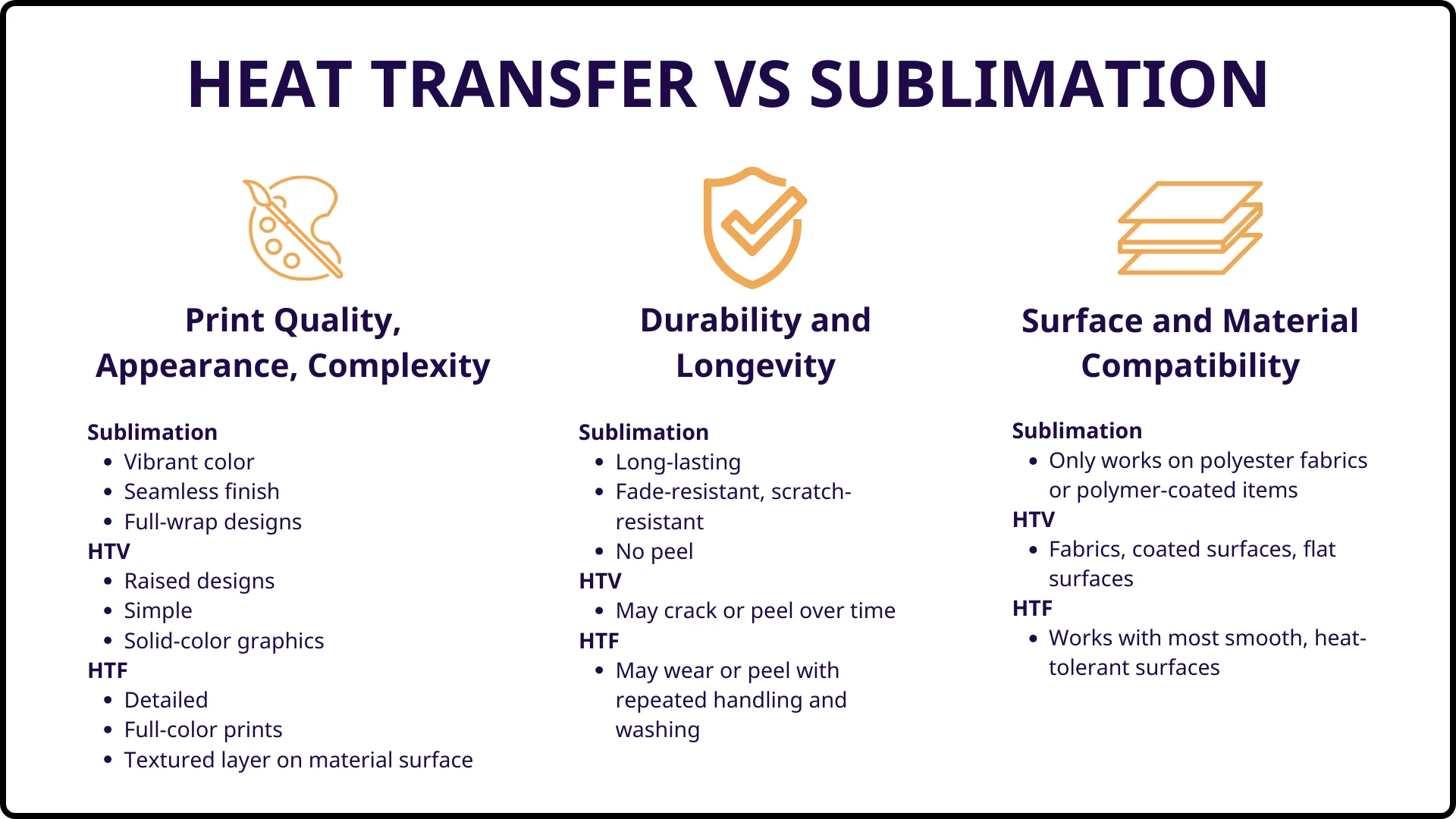
Understanding how transfer paper works is easier when you compare it to sublimation paper:
| T-Shirt Transfer Paper | Sublimation Paper | |
| What transfers | Ink + adhesive layer | Ink only |
| Where it goes | Sits on top of the fabric | Bonds inside the fibers |
| Feel | Can feel the design (hand feel) | No feel — ink is inside |
| Fabric requirement | Cotton, blends, polyester | Polyester only (65%+) |
Using T-shirt transfer paper, you can transfer ink and a thin layer of adhesive onto clothing. This adhesive layer gives the transfer paper its unique tactile feel and also allows it to work on dark-colored cotton fabrics.
With sublimation, only the ink is transferred. The ink turns into a gas, permeates the fibers, and binds at the molecular level. However, sublimation requires polyester fibers—it doesn't bond with cotton.
Two Main Types of T-Shirt Transfer Paper
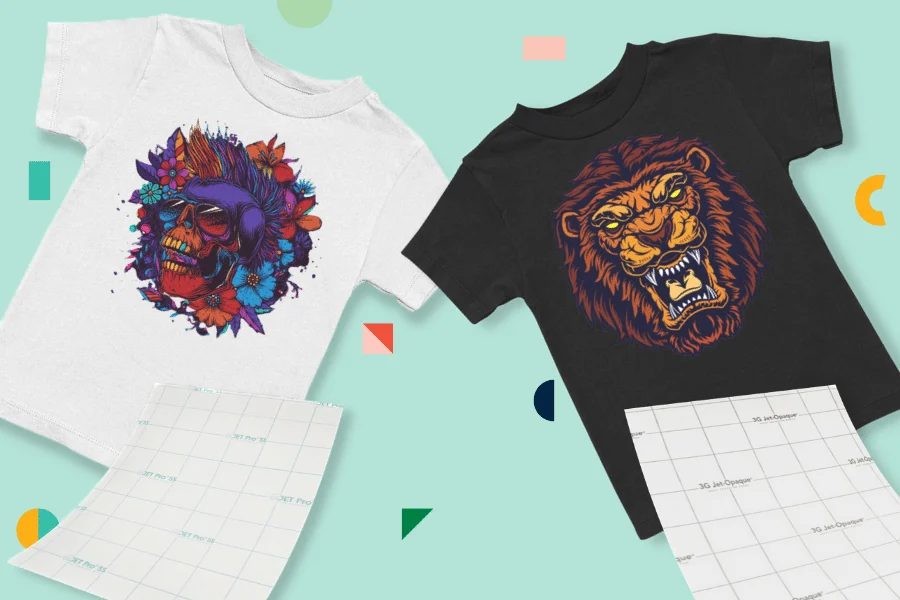
Not all transfer papers are created equal. Choosing the wrong type is a common mistake for beginners.
Light-Colored Fabric Transfer Paper
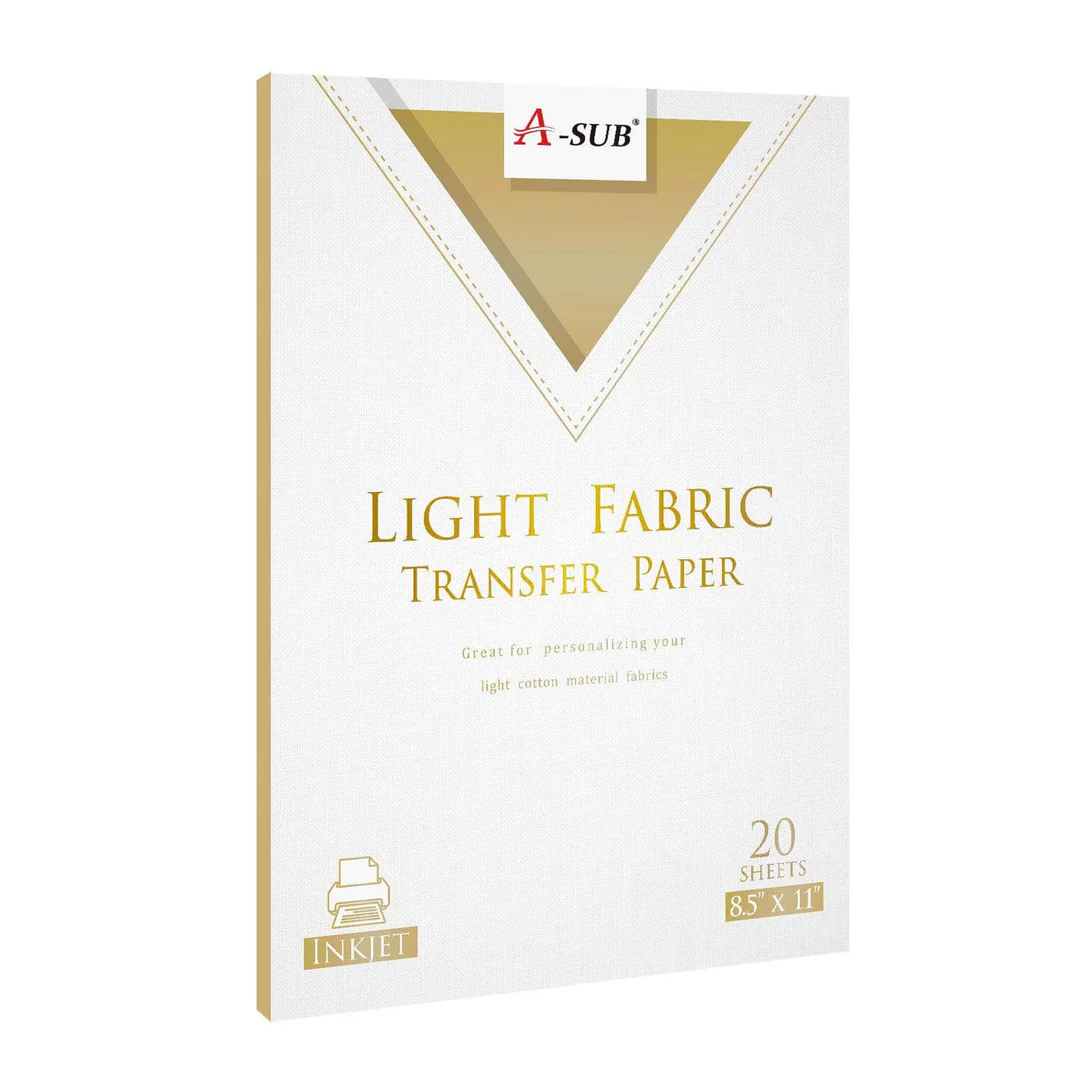
Light-colored transfer paper is designed for white and light-colored fabrics, such as white, beige, light gray, and pastel shades.
Key Features:
- Transparent film – the fabric color will show through in unprinted areas
- Thinner – softer and more comfortable
- Requires mirror printing – the image must be flipped horizontally before printing
- Lower price – generally more economical
Best for: Intricate designs, photos, complex artwork, and light-colored clothing
Koala Paper's AW-L light-colored transfer paper is designed for light-colored fabrics and features a transparent coating for a clear and vibrant transfer effect.
Dark Fabric Transfer Paper
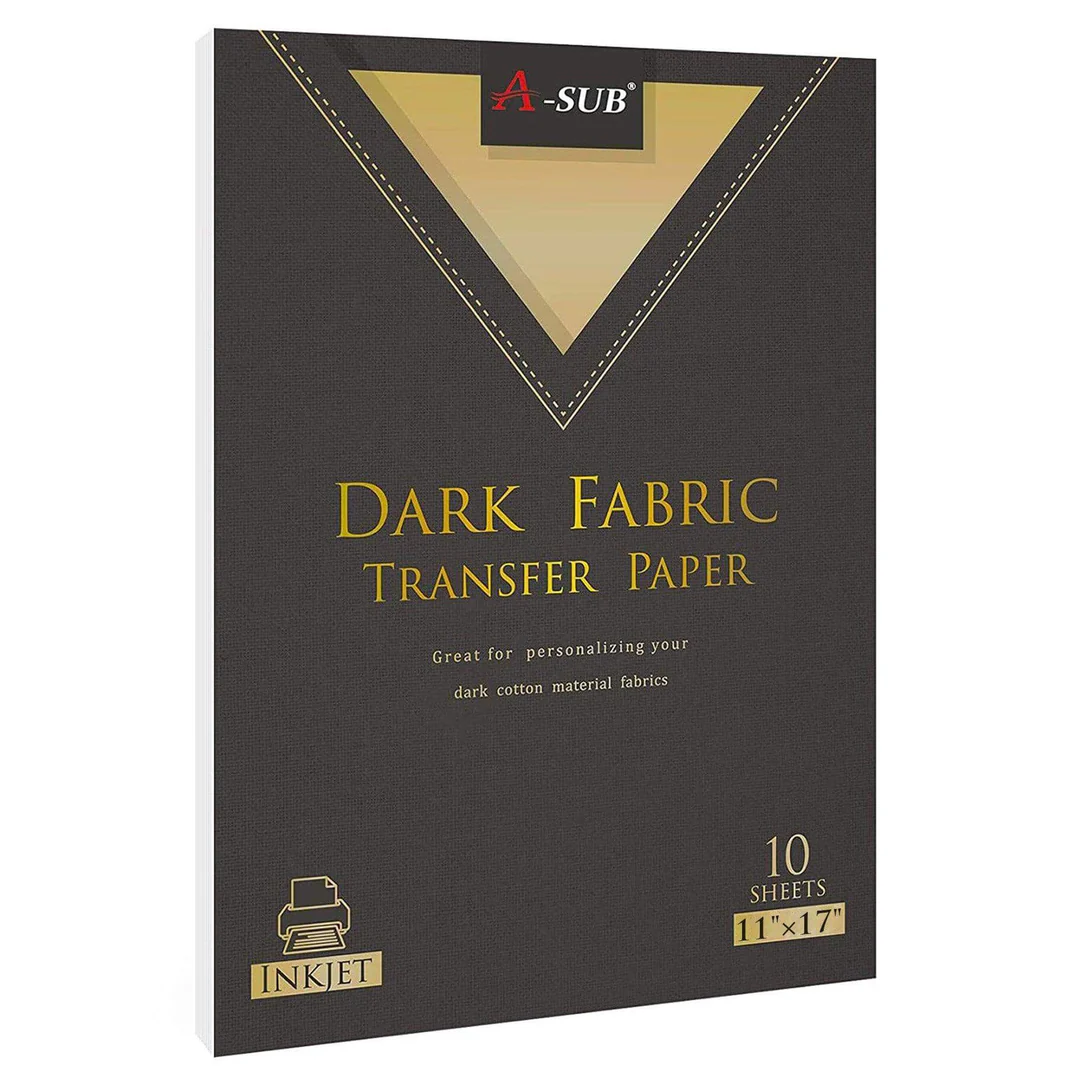
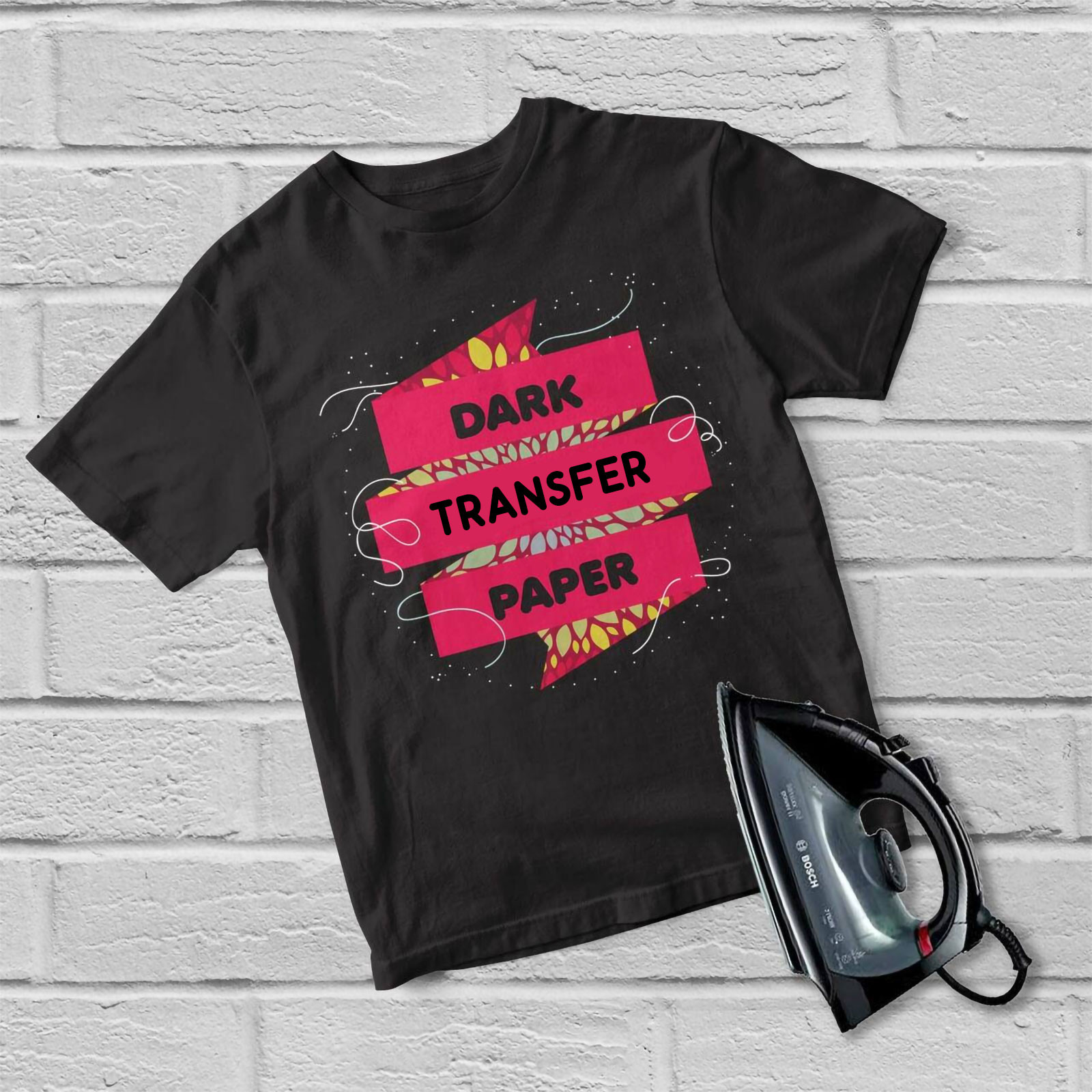
Dark-colored transfer paper is designed for dark or black fabrics, such as black, navy blue, deep red, and forest green.
Key Features:
- Opaque white backing layer – ensures your design is clearly visible on dark fabrics
- Thicker feel – makes it more prominent on clothing
- No mirror printing required – print directly for the same result as expected
- Higher cost – due to the white backing layer
Best for: bold graphics, text, logos, and dark clothing
Our AW-D dark fabric transfer paper features a high-pigment coating for even, rich color saturation on dark cotton fabrics, minimizing the risk of bleed-through.
Light vs Dark Transfer Paper — Comparison Table
| Feature | Light Transfer Paper | Dark Transfer Paper |
| Fabric color | White, cream, light colors | Black, navy, dark colors |
| Film type | Transparent | Opaque white backing |
| Mirror printing | Required | Not required |
| Feel on fabric | Thin, flexible | Thicker, more noticeable |
| Best for | Photos, detailed designs | Bold graphics, text, logos |
| Koala Paper model | 【AW-L light fabric transfer paper】 | 【AW-D dark fabric transfer paper】 |
Inkjet Transfer Paper vs. Laser Transfer Paper

You also need to select the appropriate transfer paper based on your printer type.
Inkjet Transfer Paper

Inkjet transfer paper is designed for standard inkjet printers using water-based dye or pigment inks.
Key Features:
- Water-based dye inks produce vibrant colors and offer good colorfastness and saturation on fabrics.
- The transfer paper ensures the ink is fully absorbed by the fabric.
- Compatible with pigment inks (pigment inks are recommended for better durability).
- Do not use in laser printers—high temperatures will melt the coating and damage the printer.
Laser Transfer Paper
Laser transfer paper is designed for laser printers using toner.
Key Features:
- The toner itself is water-resistant.
- No clear coating required.
- Do not use in inkjet printers—the ink cannot adhere to the coating.
Important Note: Inkjet transfer paper and laser transfer paper are not interchangeable. Using inkjet transfer paper in a laser printer may permanently damage your printer. Before purchasing transfer paper, be sure to confirm your printer model.
T-shirt Transfer Paper Applications

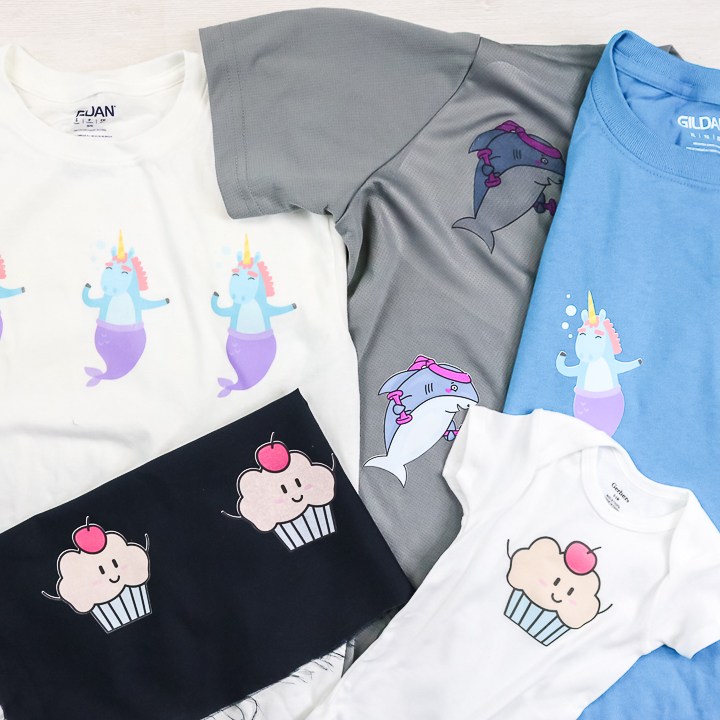
Our inkjet T-shirt transfer paper is specially formulated for decorating fabrics with a cotton content of 30% or more, and is especially suitable for 100% cotton clothing for the best results.
Best Fabrics for Transfer Paper
| Fabric | Performance | Notes |
| 100% cotton | ⭐⭐⭐⭐⭐ Excellent | Best adhesion and color vibrancy |
| Cotton blends (80/20) | ⭐⭐⭐⭐ Good | Slightly reduce temperature |
| Cotton/poly blends (50/50) | ⭐⭐⭐ Good | May have slightly reduced color |
| 100% polyester | ⭐⭐ Fair | Risk of scorching, colors less saturated |
Best Applications

From lightweight ring-spun T-shirts to heavy fleece fabrics, our transfer paper works on a wide range of common T-shirt fabrics and weights:
- Custom T-shirts – Create personalized designs for events, team events, or gifts
- Bags and tote bags – Promotional items and custom accessories
- Hats and baseball caps – Create embroidered-style designs without the need for embroidery
- Homewares – Decorate pillows, tablecloths, etc.
Key Advantages of Premium Transfer Paper for T-shirts

Not all transfer papers are created equal. Here are the qualities of professional-grade transfer paper—and the superior quality that Koala Paper, with over 20 years of manufacturing experience, offers.
Superior Performance on Cotton Fabrics
Our inkjet T-shirt transfer paper is specifically designed for transferring images onto pure cotton and high-cotton-content fabrics. The coating chemistry is optimized for cotton fibers, ensuring maximum ink release and adhesion.
Durable Prints
Prints are durable and won't fade, wrinkle, or damage the fabric even after repeated washing—that's what makes professional-grade transfer paper unique. Thanks to a unique coating technology, the printed design can withstand repeated washing, up to 50 washes without fading.
Vibrant Colors on Dark Fabrics
Our dark fabric transfer paper delivers vibrant, lifelike images even against black and navy backgrounds. A highly pigmented coating ensures the design is evenly and fully colored on dark cotton fabrics, minimizing the risk of the base color showing through.
Skin-friendly and durable
Premium transfer paper combines skin-friendly softness with tear resistance and durability, preventing smudging or tearing after transfer. The design moves with the fabric without cracking or stiffening.
Long-lasting and fade-resistant colors
Colors are durable and remain vibrant even after multiple washes. The ink is fully absorbed by the fabric, creating a high-quality, durable printed T-shirt.
How to Use T-Shirt Transfer Paper - Step-by-Step Guide
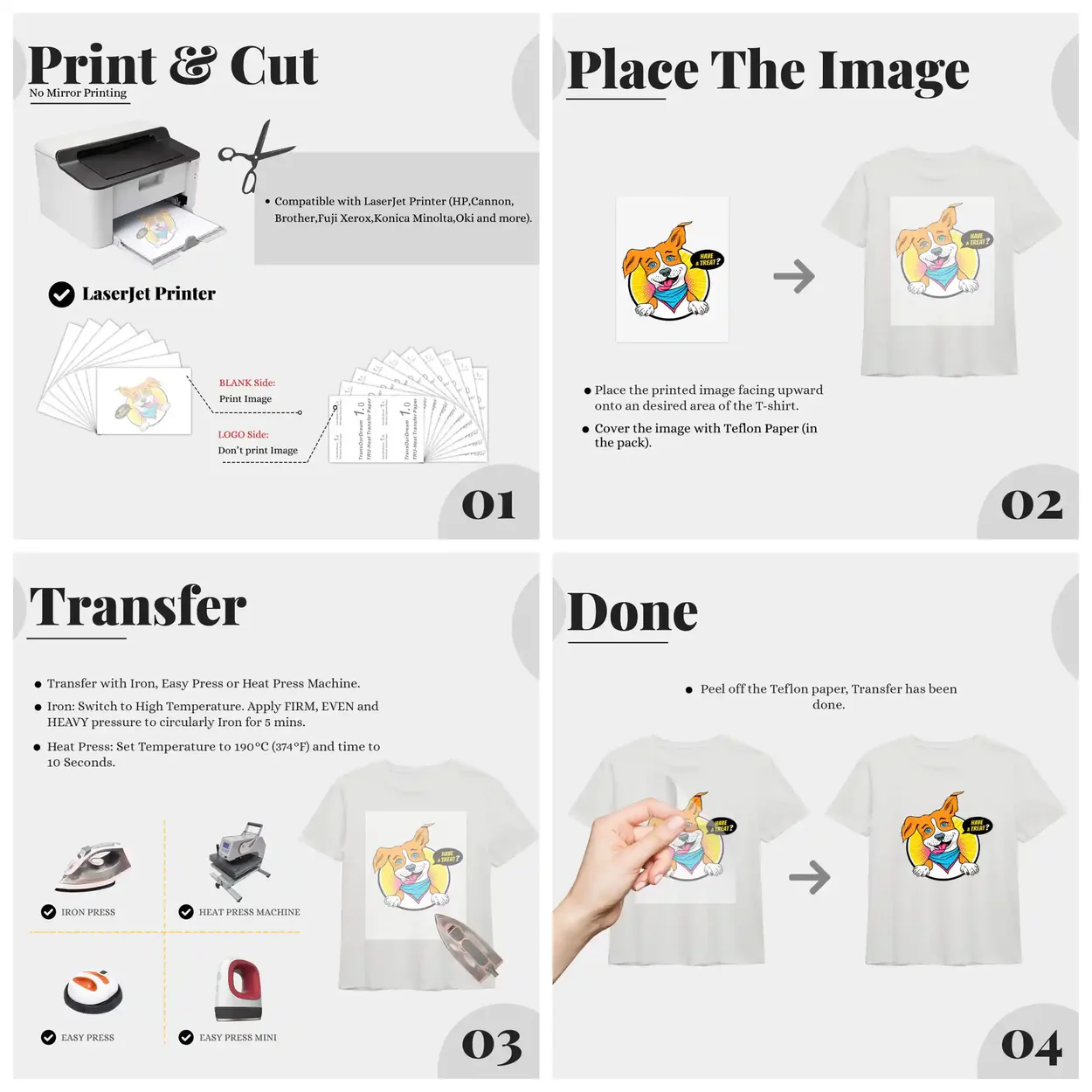
Below is the basic procedure for using transfer paper. Please be sure to follow the specific instructions provided with the transfer paper.
Step 1: Prepare Your Design
- Create or select your design on your computer.
- [Light Transfer Paper]: Enable mirror/reverse printing in printer settings [0†L38]
- [Dark Transfer Paper]: Print normally (no mirroring required) [0†L39]
- Set your printer to the highest quality mode (photo paper or high quality setting).
- Ensure your design resolution is at least 300 DPI.
Step 2: Print Your Design
- Place the transfer paper into the printer with the coated side facing the correct direction (usually the brighter, smoother side).
- Use water-based dye or pigment inks for best results.
- After printing, wait 3-5 minutes for it to dry before processing.
Step 3: Trim Your Design
- [Light Transfer Paper]: Trim along the edges of your design, leaving a 3-5 mm transparent border.
- [Dark Transfer Paper]: Trim precisely along the edges of your design, avoiding showing the white backing paper.
Step 4: Prepare Your Garment
- Pre-treatment: Iron the garment for 3-5 seconds to remove moisture and wrinkles.
- Ensure the ironing area is smooth and flat—avoid seams, zippers, and thick edges.
Step 5: Heat and Press
- Place the heat transfer paper face down on the fabric.
- Temperature: 177-193°C (350-380°F)
- Time: 15-30 seconds (follow the instructions on the heat transfer paper).
- Apply even pressure.
Step 6: Peel Off and Finish
- [Light-colored transfer paper]: Peel off while hot (or follow the instructions).
- [Dark-colored transfer paper]: Peel off while hot or after cooling (see instructions).
- Wait at least 24 hours before washing.
- First Wash: Turn inside out, cold water, gentle cycle.
Customized OEM and Back-Printing Solutions
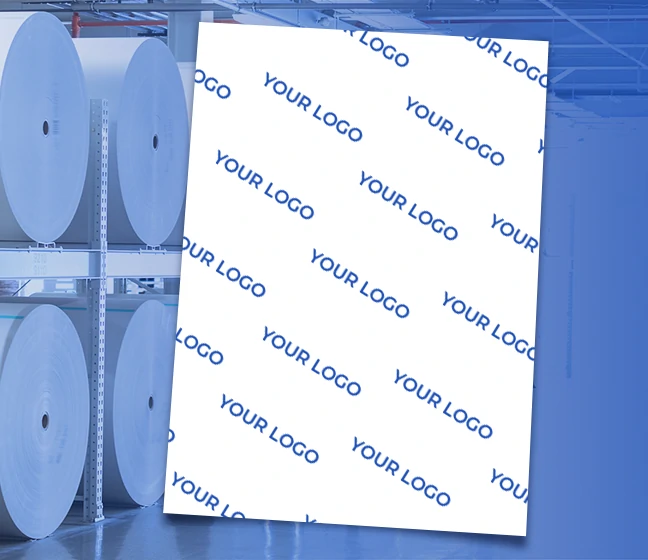
For businesses and production environments, our factory's transfer paper offers additional services.
OEM Production Support
Our transfer paper supports efficient OEM production and features back-printing capabilities for greater personalization. The paper's back is inkjet-coated for high-resolution printing, perfectly suited for duplex designs.
Die-Cutting Compatibility
Our professional transfer paper is compatible with precision cutting and engraving machines, enabling a higher level of desktop personalization. Professional-grade machines can precisely cut patterns and embellish prints with fine edge trims or windowpane cutouts.
Available Sizes
| Size | Format |
| A4 | Standard sheet |
| A3 | Large sheet |
| 8.5×11″ | US letter size |
| 11×17″ | Tabloid size |
| Paper roll | 【Custom lengths】 available |
Final Recommendations
Based on our 20+ years of production experience, here are my recommendations:
For beginners: We recommend starting with light-colored transfer paper on white cotton T-shirts. It's thinner, more forgiving, and produces excellent transfer results.
For dark-colored garments: Always use dark-colored transfer paper. A white base paper is crucial for clear visibility on black or navy fabrics.
For wholesalers/retailers: We recommend investing in our Professional Series transfer paper, which is compatible with die-cutting machines and offers OEM transfer paper options to meet professional production needs.
Finally, always test a single sheet of transfer paper before mass production. Every combination of printer, ink, and fabric will be slightly different. Small-scale testing can save time and materials.
Can I use transfer paper with any inkjet printer?
Yes. Our 【transfer papers】 are compatible with standard inkjet printers using water-based dye ink or pigment ink .
How many washes will a transfer paper design last?
With proper application and care, 【transfer paper】 designs withstand repeated washing without color fading, wrinkling, or damage. Colors stay true wash after wash.
Do I need a heat press, or can I use an iron?
A heat press gives better, more consistent results. A household iron can work but requires more care to achieve even temperature and pressure.
What is the difference between AW-L and AW-D?
【AW-L】 : 【Light fabric transfer paper】 — transparent, for light-colored fabrics, requires mirror printing
【AW-D】 : 【Dark fabric transfer paper】 — white backing, for dark fabrics, normal printing
Where can I buy transfer paper?
You can 【buy transfer paper】 directly from us. We offer 【heat transfer paper for sale】 in various sizes and quantities. 【Order transfer paper online】 with fast shipping worldwide.
Do you offer OEM packaging?
Yes. We provide 【custom transfer paper packaging】 and 【OEM heat transfer paper】 solutions. 【Private label transfer paper】 is available for businesses.