Introduction
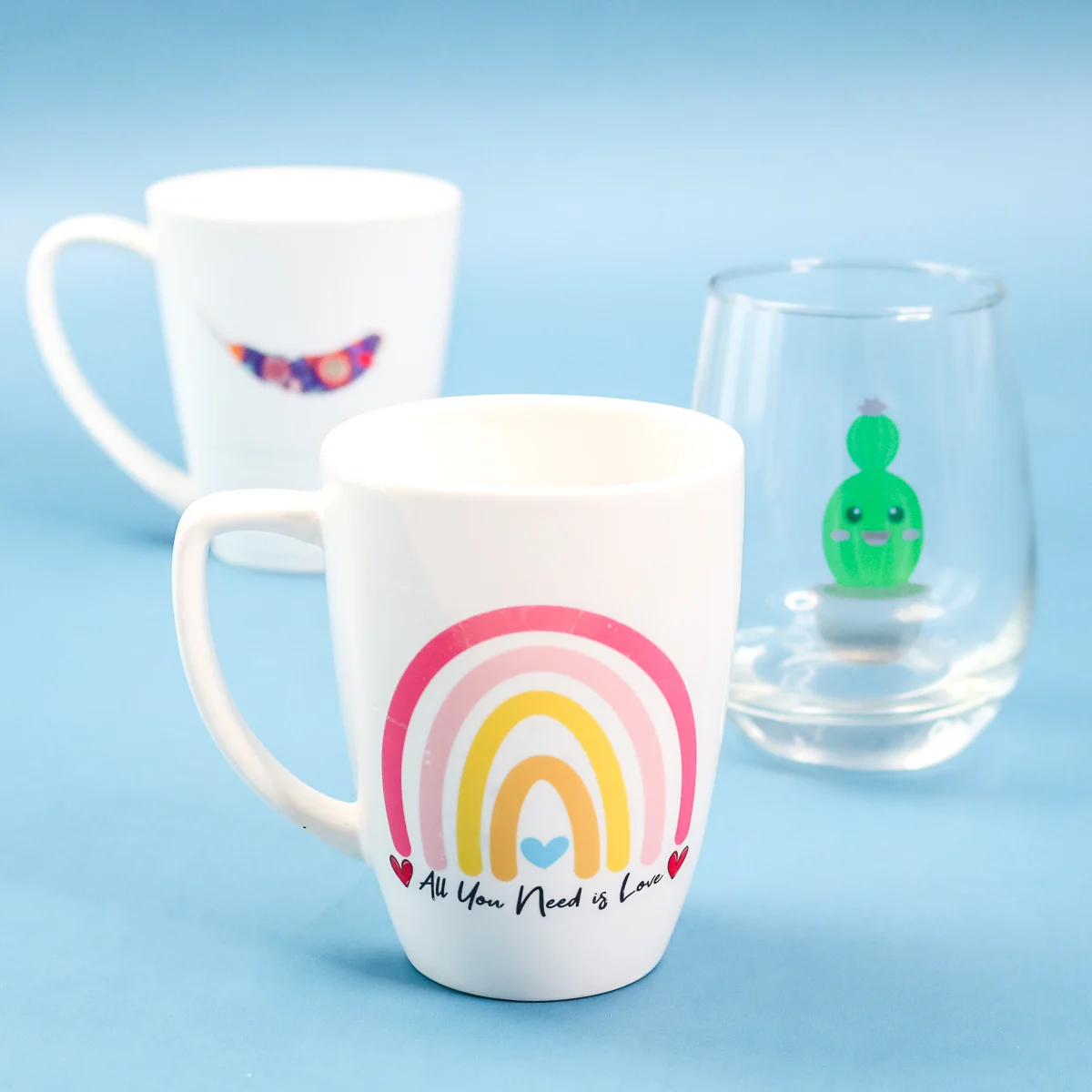
Our clients previously believed that vinyl stickers were the only option for custom decals. Cutting, removing excess, applying transfer film, and pasting—vinyl sticker paper seemed like the most effective choice for most applications.
Then, our clients tried applying a delicate logo to a ceramic mug. The vinyl sticker couldn't conform to the mug's curves. After two washes, the edges peeled up. The design also looked heavy, like plastic.
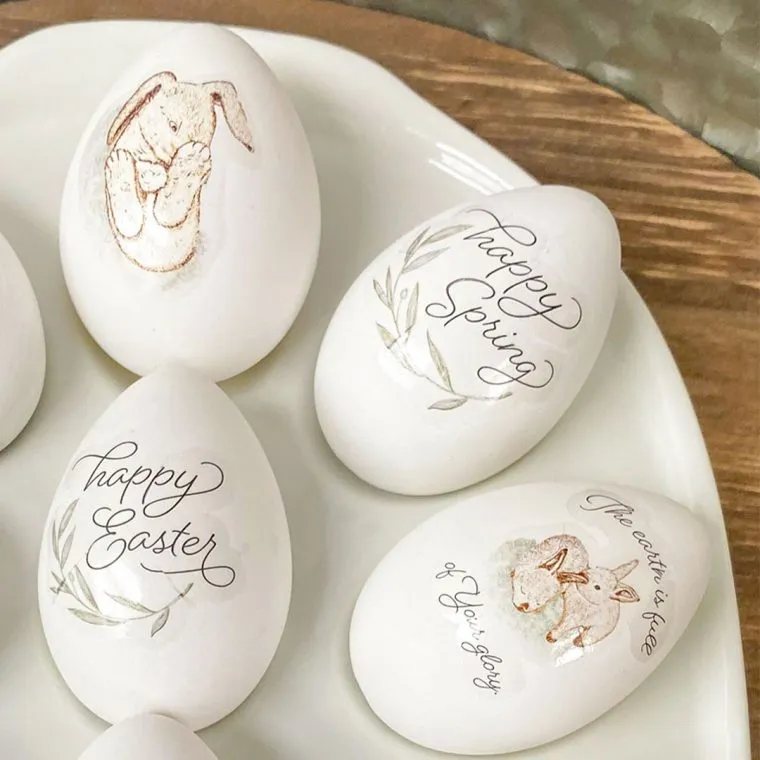
That's when I discovered Waterslide Decal Paper. Applying the same design to a ceramic mug yielded drastically different results. The water transfer paper applied smoothly to the mug, embracing the curves, and after baking, it adhered perfectly to the ceramic.
In this guide, I'll compare waterslide and vinyl stickers based on 7 key factors: application method, durability, appearance, cost, learning curve, materials, and best application scenarios. After reading, you'll know exactly which sticker is right for your project.
What is WaterSlide Decal Paper?
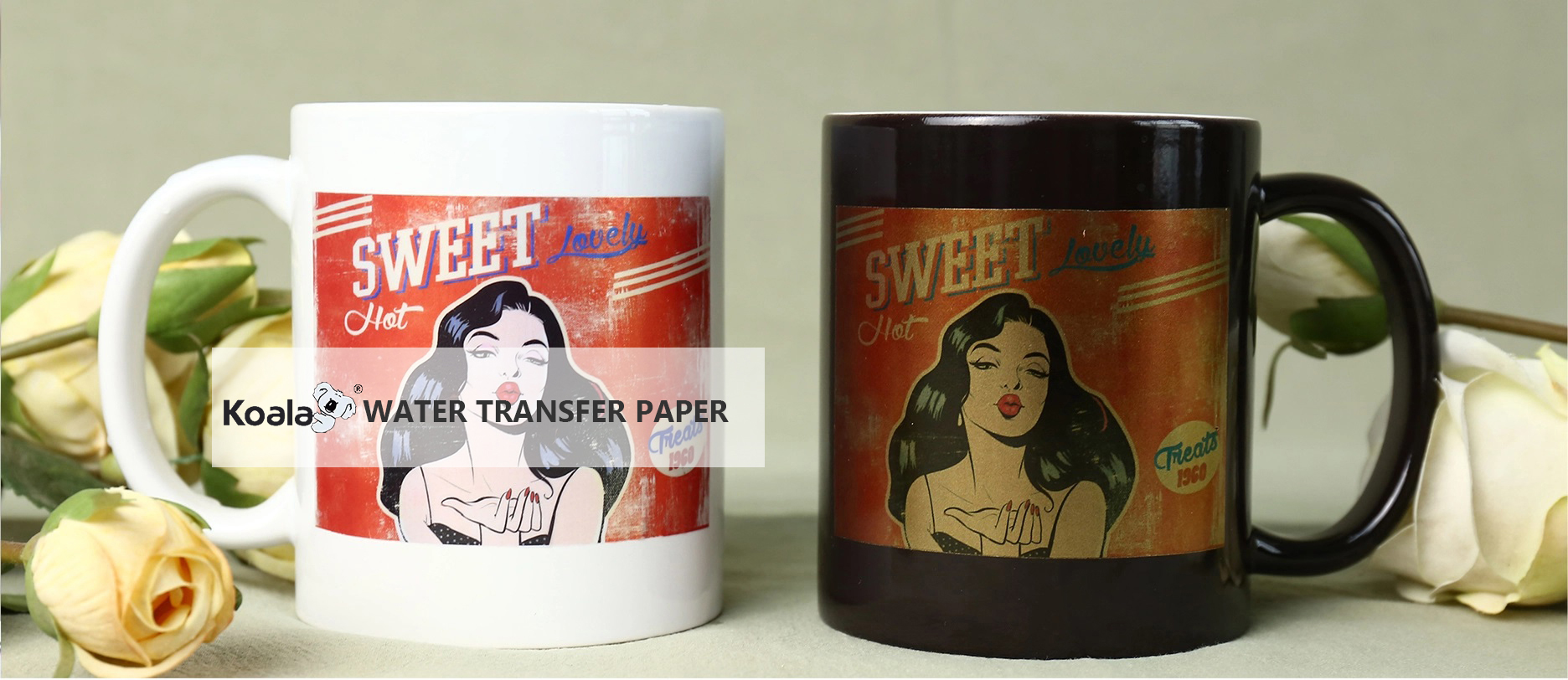
Water decal paper (also known as water decal slide paper) is a special coated paper. How to use: First, print the design using an inkjet or laser printer, then seal it (most types require a varnish coat). Next, immerse the paper in water, then slide the printed decal onto the target surface, and finally dry it in an oven.
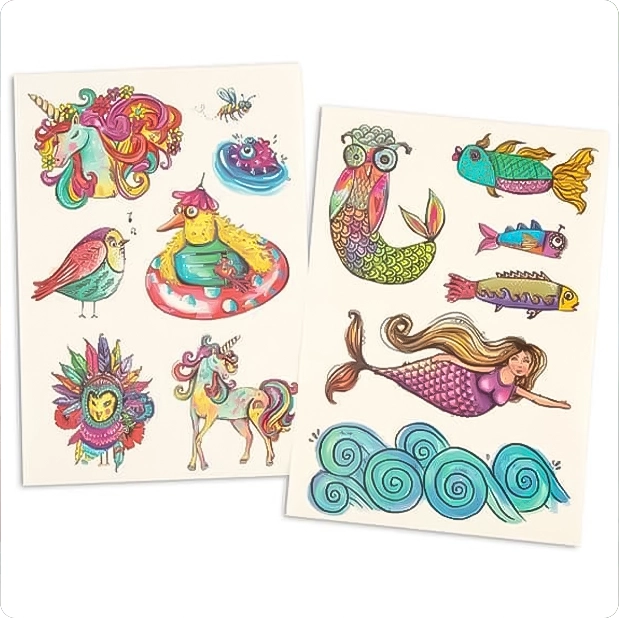
The key is that inkjet waterslide decal paper is very thin, with almost no texture, allowing it to perfectly adhere to curved or irregular surfaces.
We produce a full range of water decal paper, including:
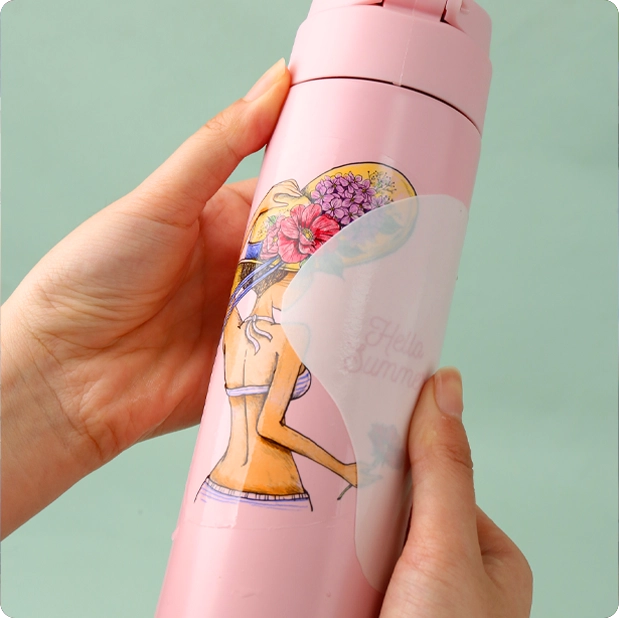
- Standard clear and white (PM-K1, PM-K2)
- No-varnish type (QM, PM-K7) – No varnish required
- Metallic, pearlescent, and pearlescent colors (PM-K3, K4, K5, K9, K10, K11)
- Laser-specific type (ZG-B1, ZG-B2, LD-K)
What is Vinyl Sticker Paper?
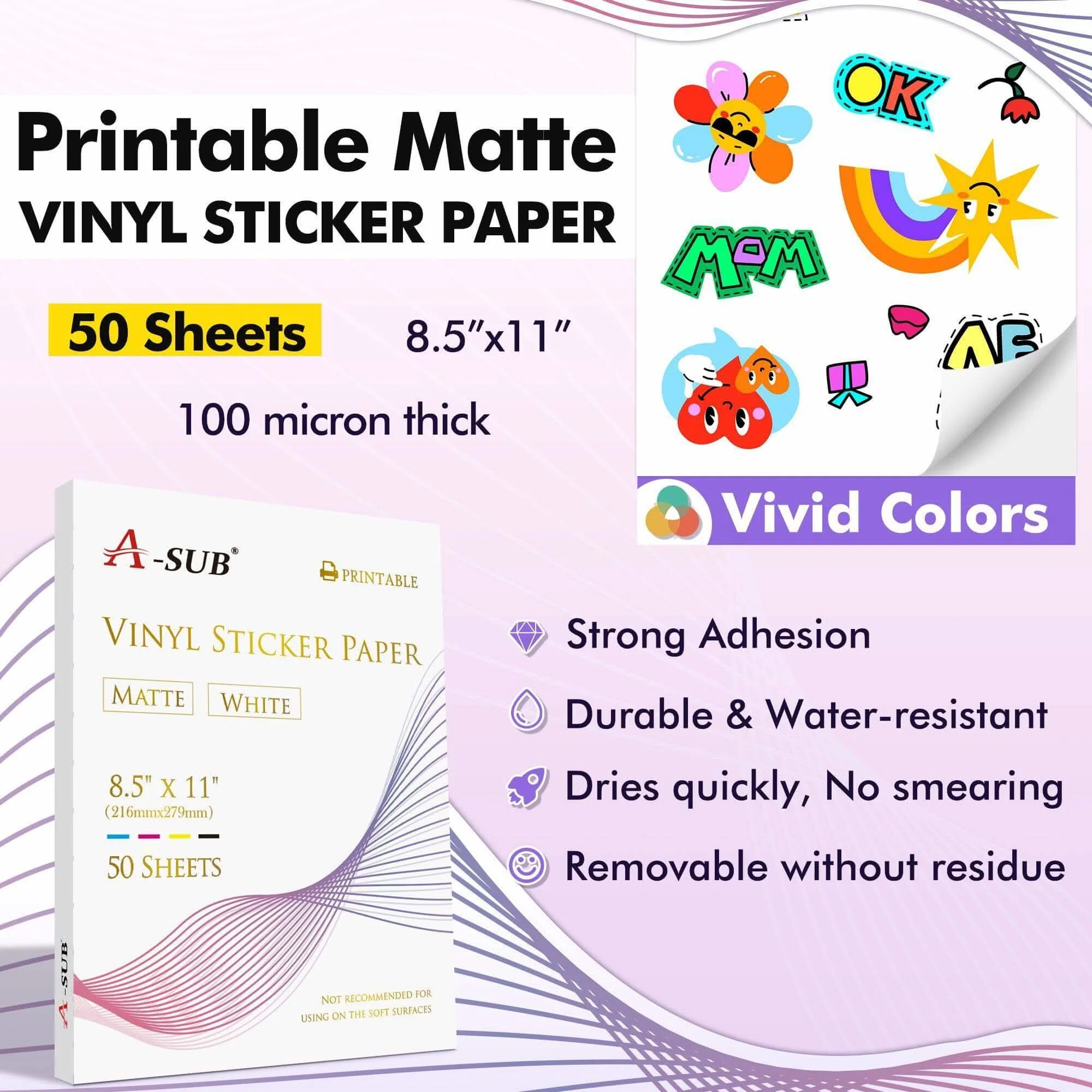
Vinyl stickers are cut from pressure-sensitive vinyl sheets using a plotter (or printed onto vinyl using a lamination process). You simply peel off the backing paper and then apply the vinyl sticker to the desired surface.
Vinyl stickers are relatively thick, typically 2-4 mils (0.05-0.1 mm), and adhere well to surfaces. They are ideal for flat, smooth, and durable applications such as automotive stickers, laptop stickers, and outdoor signage.
Full disclosure: I’m a production manager at a waterslide decal paper factory with 20+ years of R&D. We manufacture the papers tested here (PM-K1, PM-K2, QM, PM-K7, ZG-B1, etc.). All tests are reproducible – I’ll give you the exact conditions so you can verify yourself.
What We Tested
| Product | Type | Printer | Clear coat needed? | Price (per 8.5×11″ sheet, bulk) |
| PM-K1 (our transparent) | Inkjet waterslide | Epson ET-2800 | Yes (acrylic spray) | $0.22 |
| QM (our no-spray) | Inkjet waterslide | Epson ET-2800 | No | $0.28 |
| Vinyl (Oracal 651) | Permanent adhesive | Vinyl cutter | No | $0.35 (plus transfer tape) |
We also tested ZG-B1 (laser waterslide) decal paper on a Brother laser printer, and PM-K2 (white-base) on dark mugs – results noted separately.
Test 1: Curved Surface – Ceramic Mug (11 oz, standard curve)
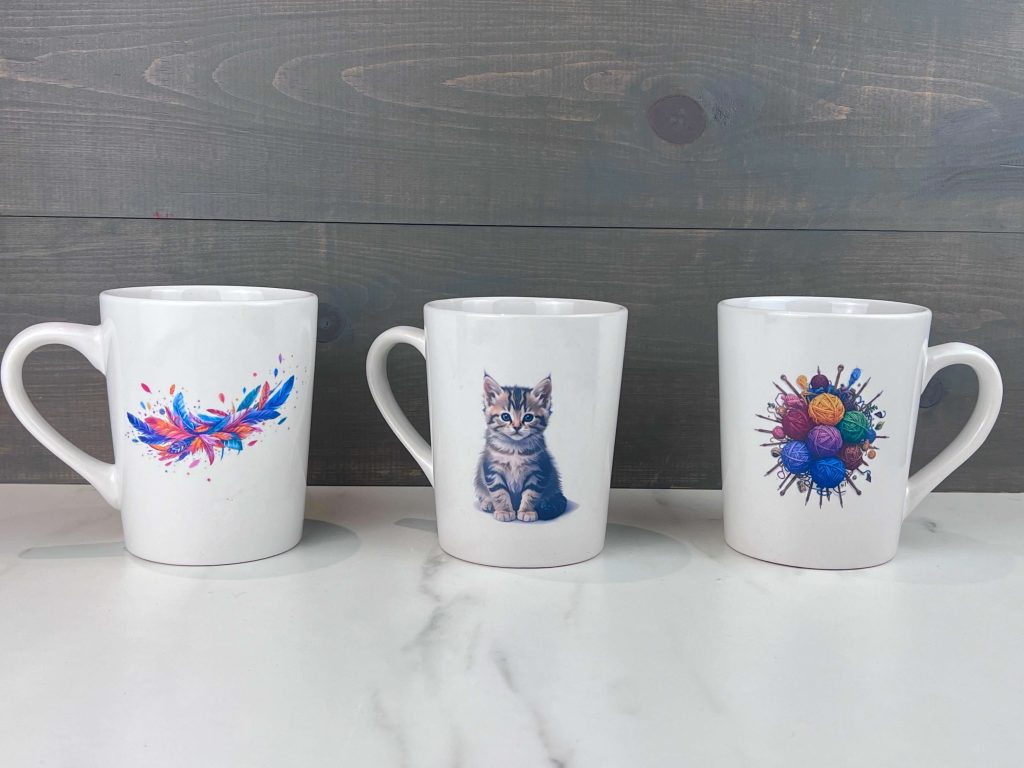
Challenge: Attach a 3-inch diameter, small-font circular logo (8 lbs) to the curved side of a mug. Then dishwasher wash 10 times (top rack, heated to dry).
Method:
- Waterslide decals (PM-K1): Print → Dry for 10 minutes → Spray two coats of clear acrylic varnish → Dry for 30 minutes → Soak for 20 seconds → Attach to the mug → Remove air bubbles → Bake at 135°C for 15 minutes.
- Water transfer paper (QM no-spray): Print → Dry for 10 minutes → Soak for 20 seconds → Attach to the mug → Bake (same steps as above).
- Vinyl sticker (Oracal 651): Cut, remove excess, apply transfer film, attach to the mug, and press firmly.
Results after 10 dishwasher cycles:
| PM-K1 (spray) | QM (no-spray) | Sticker Vinyl | |
| Edge lifting | None | None | Severe (2–3 mm at corners) |
| Color retention | 100% | 98% | 95% (but edges ugly) |
| Fine text clarity | Perfect | Perfect | N/A (vinyl can’t do 8pt text) |
| Overall pass/fail | Pass | Pass | Fail |
Real user review: "The Vinyl Sticker Paper peeled off after only three washes, like a wet band-aid. The Waterslide Paper, on the other hand, remained intact after six months." — Maria, Etsy mug seller.
Reason for Vinyl Sticker Failure: Sticker Vinyl's adhesive is not suitable for curved, glazed ceramic surfaces. High temperatures and humidity will corrode the edges of the sticker. Waterslide Paper, however, fuses with the ceramic coating during the baking process.
Test 2: Transparency – Applying to Clear Glass (wine glass)
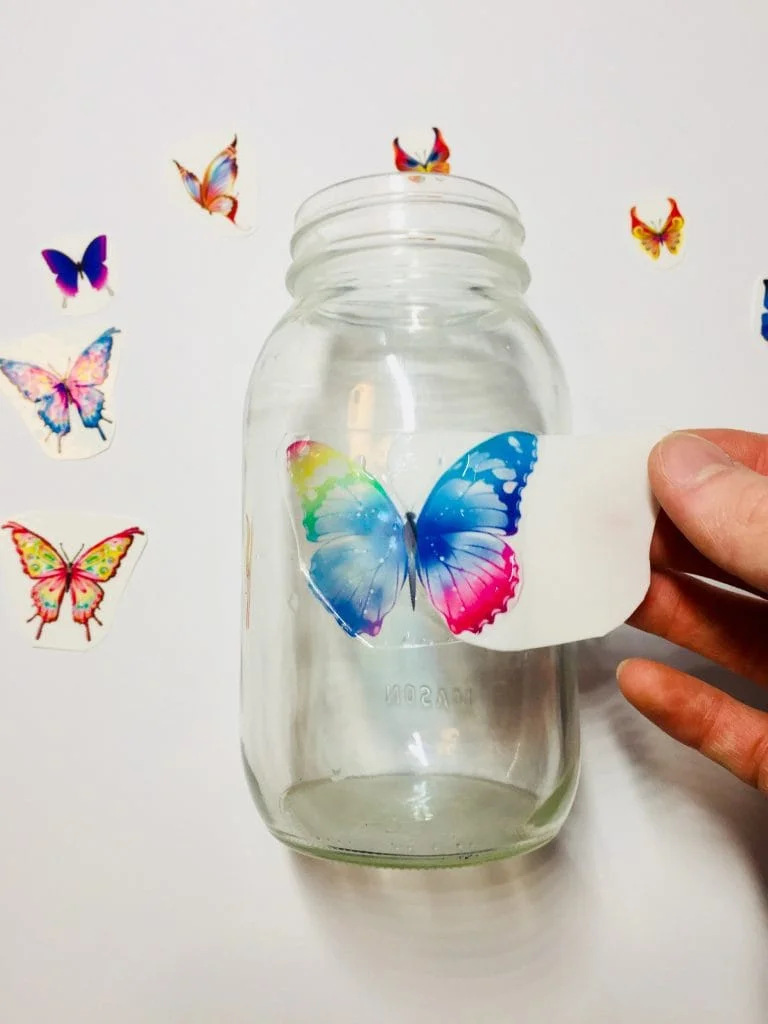
The challenge: Apply a delicate floral design to a wine glass – the decal should be nearly invisible around the edges.
Results:
| Waterslide (clear) | Vinyl (clear) Stickers | |
| Edge visibility after application | Invisible (0.01mm film) | Visible edge (~0.08mm) |
| Light transmission through decal | 92% | 70% (vinyl blocks light) |
| Feel when rubbing finger | Smooth | Raised edge |
Our opinion: For drinking glassware, water slide decal paper is the only professional choice. Vinyl decals feel cheap and tend to trap dirt and grime around the edges.
Special note: Our PM-K1 is slightly milky white before baking, but becomes completely transparent after baking at 135°C. Vinyl decals, on the other hand, will remain cloudy.
Test 3: Dishwasher & Scratch Resistance (with baking)
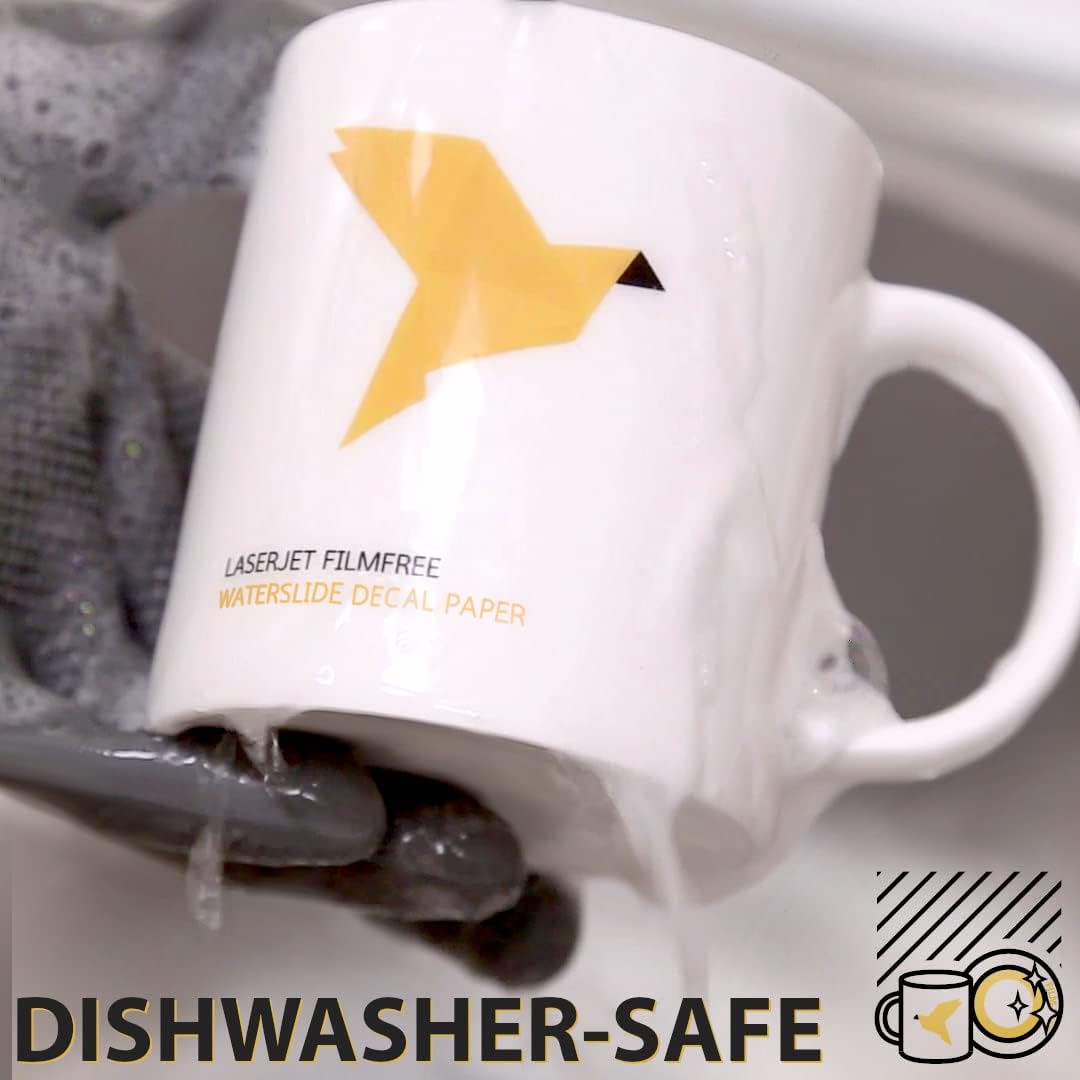
Method:
Apply decals to ceramic plates. Half of the waterslide samples were baked (135°C/15 min), half were not. All samples ran through 50 dishwasher cycles.
| Sample | After 10 cycles | After 50 cycles |
| Waterslide, baked | Perfect | Slight micro-scratches but color intact |
| Waterslide, not baked | 30% of decals lifted at edges | 80% failed |
| Vinyl (no baking possible) | Edges curling | 50% peeled off |
Conclusion for sellers: Always bake waterslide decals on ceramics (135°C for 15 min). It’s the difference between waterslide sticker and a temporary sticker.
Test 4: Full-Color Intricate Design (Metal Signage Photo)
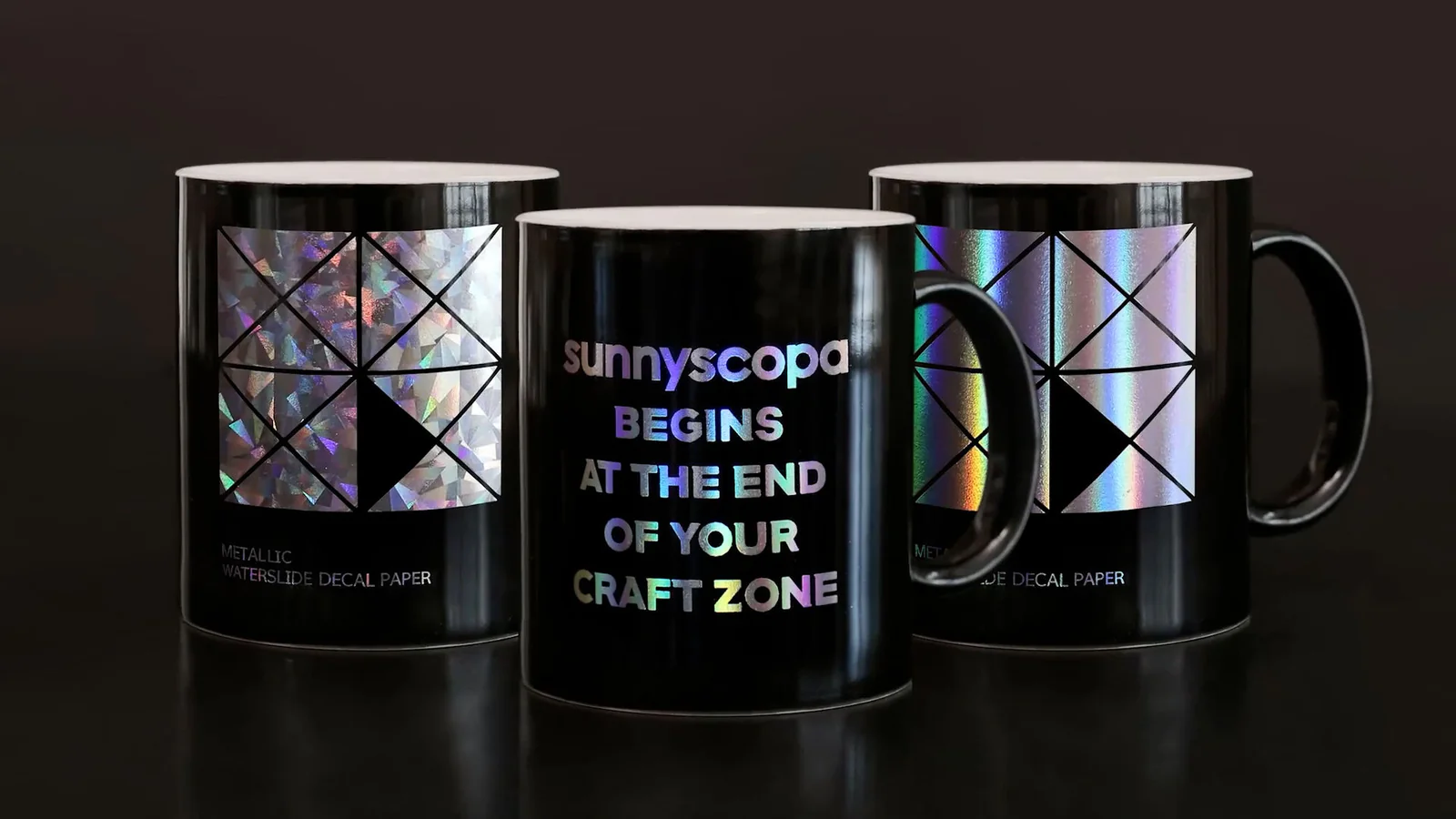
Challenge: Print a 4x6 inch color photo (sunset gradient) onto a flat aluminum plate.
Method:
- Water transfer decals (PM-K1): Inkjet printing → applying varnish → applying the decal → baking.
- Vinyl decals: Printed onto white vinyl decals using a solvent-based printer (unavailable to most DIY enthusiasts).
Result:
| Waterslide (DIY) | Vinyl (DIY) Sticker Paper | |
| Color gradients | Smooth, photographic | Banded (unless using expensive printer) |
| Fine detail (tree branches) | Sharp | Jagged (due to cutter) |
| Cost for one-off | $0.30 | $0.50+ (plus $2000 printer) |
Key Information:
For full-color, photo-realistic stickers, water decals paper are the only affordable DIY option. Vinyl decals either require a color printer with white ink (which is rare) or require layer cutting (photo-realistic decals cannot be layered).
Test 5: White Textured Sticker on Dark Substrate (Black Ceramic Mug)
Challenge:
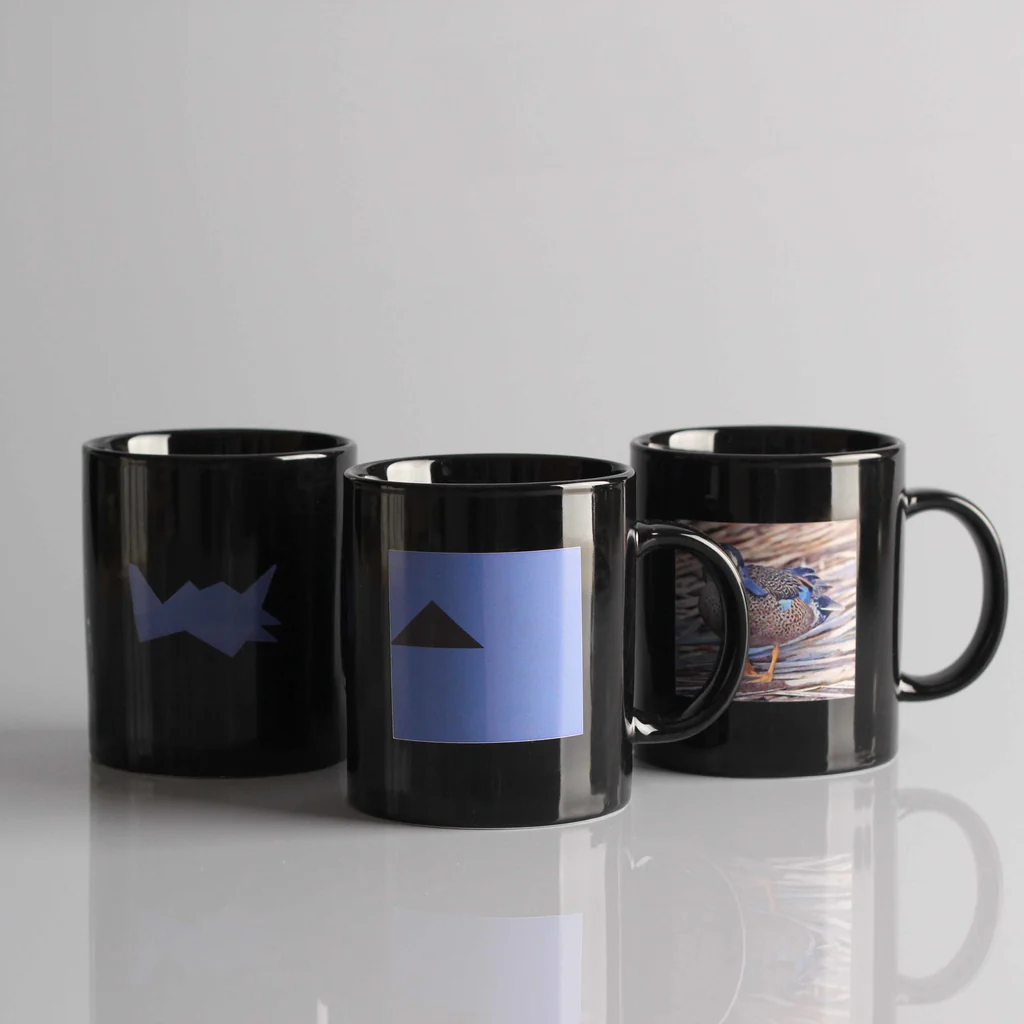
Apply a brightly colored logo to a black mug. The logo contains white, yellow, and light blue areas.
Materials:
- PM-K2 (White Textured Watermark Decals Paper) – Inkjet Printing
- White Vinyl Sticker (Oracal 651) – Cut
- Clear Watermark Decal on White Primer (Not Recommended)
Result:
| PM-K2 white-base | White vinyl | |
| Opacity of white | Excellent (covers black) | Excellent |
| Fine detail (small text) | Sharp | Blocky (vinyl cutter limits) |
| Multi-color without layering | One transfer | Requires multiple layers |
Our conclusion:
For dark mugs, if your design includes intricate details or multiple colors, white-based decal stickers (PM-K2 or ZG-B2 for laser cutting) are a better choice. For simple, eye-catching designs, vinyl sticker decal paper is more suitable.
Test 6: Special Effects – Metallic and Rainbow Sheens
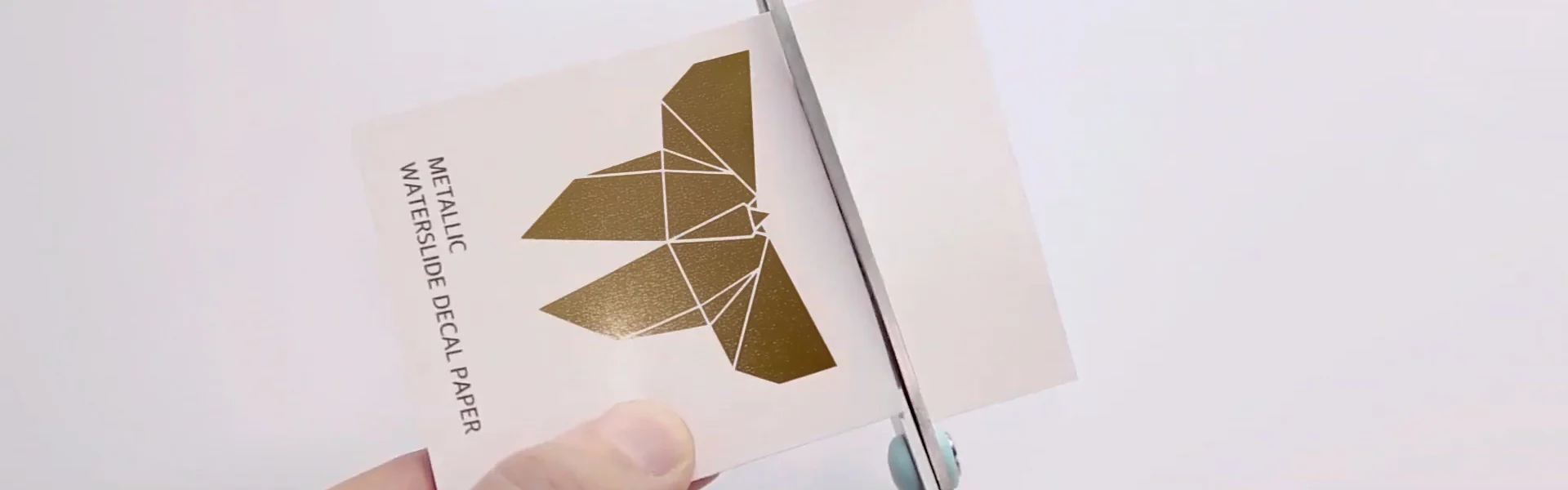
Many projects require metallic gold, silver, or rainbow-like sheen effects – such as trophies, decorations, or high-end packaging.
| Effect | Waterslide option | Vinyl option |
| Metallic gold | PM-K9 (light gold base) | Requires specialty gold vinyl ($ expensive) |
| Metallic silver | PM-K4 (silver base) | Available but limited |
| Iridescent rainbow | PM-K3 (7-color effect) | Not available |
| Pearl shimmer | PM-K11 (pearl blue) | Not available |
Project Example:
One of our clients needed 500 gold-decorated stickers for wedding champagne glasses. They used our PM-K9 metallic gold foil, printing the black text—the metallic backing paper shows through, creating a stunning gold-on-black effect in a single print. If using vinyl sticker material, the gold letters would need to be printed individually and layered—a simply impossible feat for such a large size.
Test 7: Laser Printer Compatibility
Not everyone owns an inkjet printer. Many studios are equipped with monochrome laser printers for printing text and simple logos.
We tested:
- Printing effect of ZG-B1 (clear laser water decal) on a Brother HL-L2350DW
- Printing effect of ZG-B2 (white laser water decal) on the same printer
- Laser printing-specific vinyl material (special order, expensive)
Results:
| ZG-B1 / B2 | Laser vinyl | |
| Toner adhesion | Excellent – no flaking | Good |
| Water resistance after slide | Good (baking recommended) | Poor (toner can wash off) |
| White base option | ZG-B2 | Rare |
| Cost per sheet (bulk) | $0.25 | $0.80+ |
Best for: Model makers, guitar builders, and small shops that already have a laser printer and need durable, fine-detailed decals.
Head-to-Head Summary Table (with Real Test Data)
| Use case | Winner | Why |
| Curved mugs / glasses | ✅ Waterslide | No edge lifting, conforms to curve |
| Flat metal sign (outdoor) | ✅ Vinyl (outdoor grade) | More weather resistant |
| Full-color photo decal | ✅ Waterslide | Smooth gradients, fine detail |
| Dark substrate (black mug) | Tie | White-base waterslide vs white vinyl – both work |
| Textured surface (leather) | ✅ Vinyl | Waterslide cracks on flexible surfaces |
| DIY one-off custom decal | ✅ Waterslide (no cutter needed) | Lower startup cost |
| Metallic / iridescent effect | ✅ Waterslide (specialty papers) | Built into paper, no extra steps |
| Dishwasher-safe ceramics | ✅ Waterslide (baked) | Vinyl edges lift |
| Speed for simple shapes | ✅ Vinyl (cutter + transfer tape) | Faster for bulk simple stickers |
| No-spray, no-fuss application | ✅ Waterslide (QM or PM-K7) | Print, dry, soak, slide – no clear coat |
When to Never Use Waterslide Decals
Based on my own experience with failures:
- Flexible surfaces (rubber, silicone, fabric) – The film is prone to cracking when stretched. Vinyl is better.
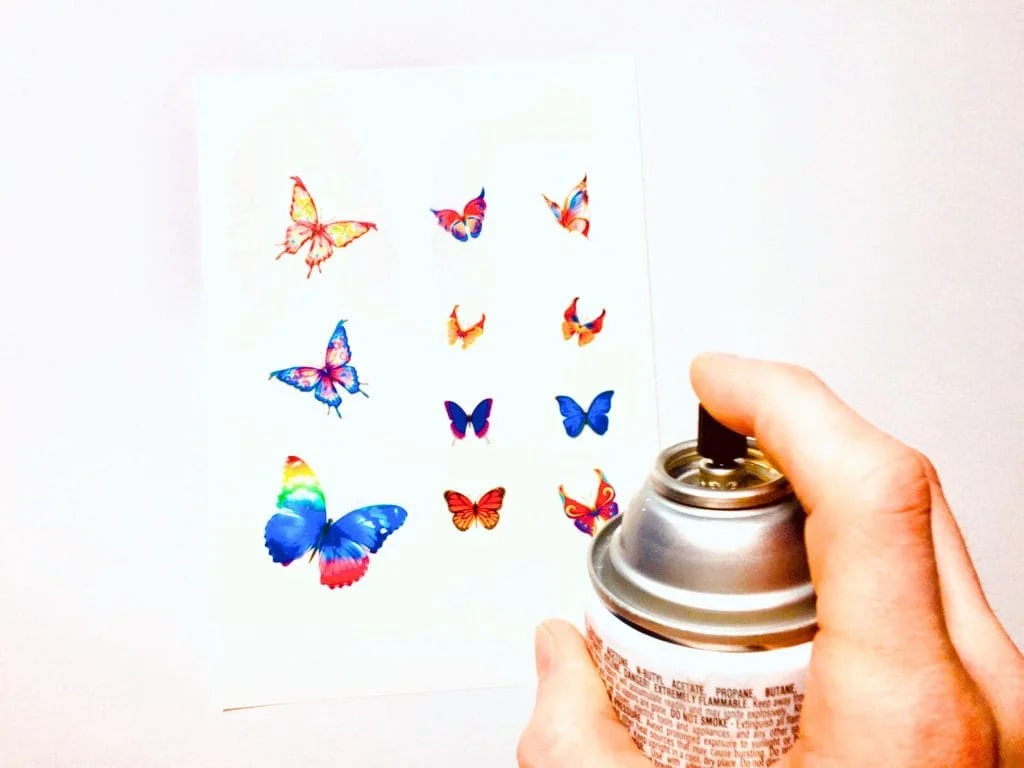
- Unvarnished outdoor surfaces – UV rays will damage unsealed water decals within 3-6 months. Use outdoor vinyl or apply a UV-resistant varnish.
- Rough or matte surfaces (unvarnished wood, stone) – Water decals require a smooth, non-porous surface. Vinyl can also fail – test first.
- High-wear areas (shoe soles, tool handles) – Neither is durable, but vinyl is thicker.
Real Customer Case Studies – Their Choices

Project A (Etsy Seller – Personalized Mugs): Choosing QM No-Spray Water Decals. Reason: “I make 50 mugs a week. The no-spray process saves me 2 hours per batch and avoids the annoying aerosol smell.”
Project B (Model Car Manufacturer): Choosing ZG-B1 Laser Water Decals. Reason: “I already have a laser printer for making decals. The ZG-B1 produces clear, thin decals that are almost invisible under the clear coat.”
Project C (Wedding Favors Company): Choosing PM-K2 White-Based Water Decals for Dark Glass Candle Holders. Reason: “Vinyl decals don’t adhere to curved glass. White-based decals allow us to print bright gold lettering on black glass.”
Project D (Small Printing Shop – Bulk Decals): Choosing PM-K7 Multi-Purpose Water Decals. Reason: “We have inkjet, laser, and UV printers. The PM-K7 works with all of them and doesn’t require a clear coat. One sheet of paper, multiple machines.”