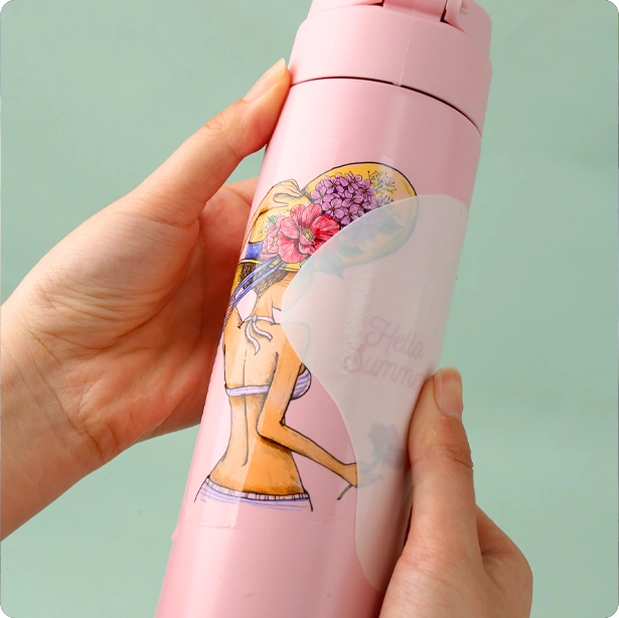
One of the most frequent questions new users ask our waterslide decal paper dealers is:
"Should I buy clear decal paper or white waterslide paper?"
Our factory has seen countless personalized projects fail because of choosing the wrong paper. Designing an intricate pattern on a dark mug with clear waterslide paper? The pattern will disappear. Designing a delicate floral pattern on a wine glass with white decal paper? The result will only be unsightly white frames, ruining the transparency of the design.
This guide will take you through everything about clear and white water transfer paper. After reading this guide, you will be able to accurately know how to choose the right water transfer paper.
What are waterslide decals?
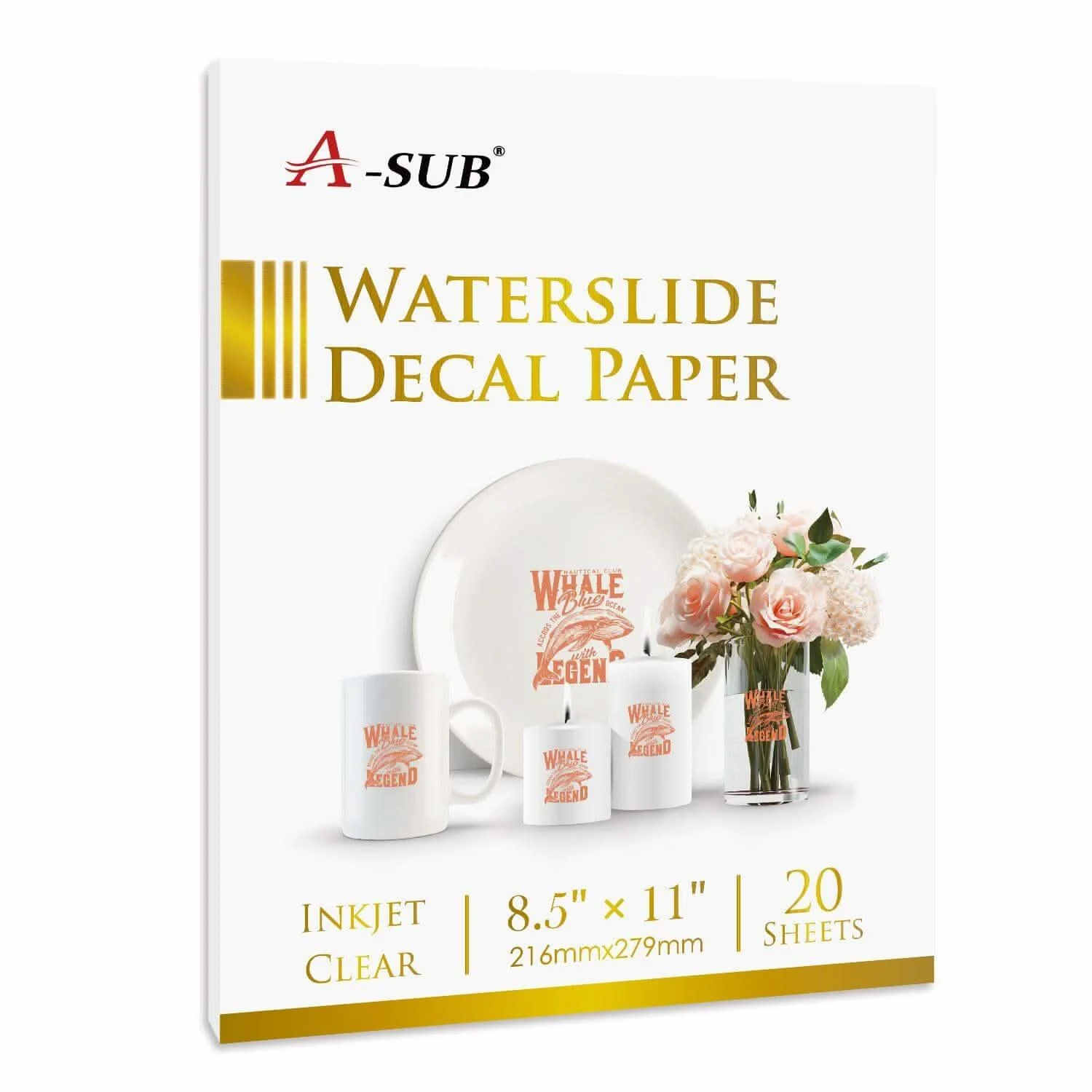
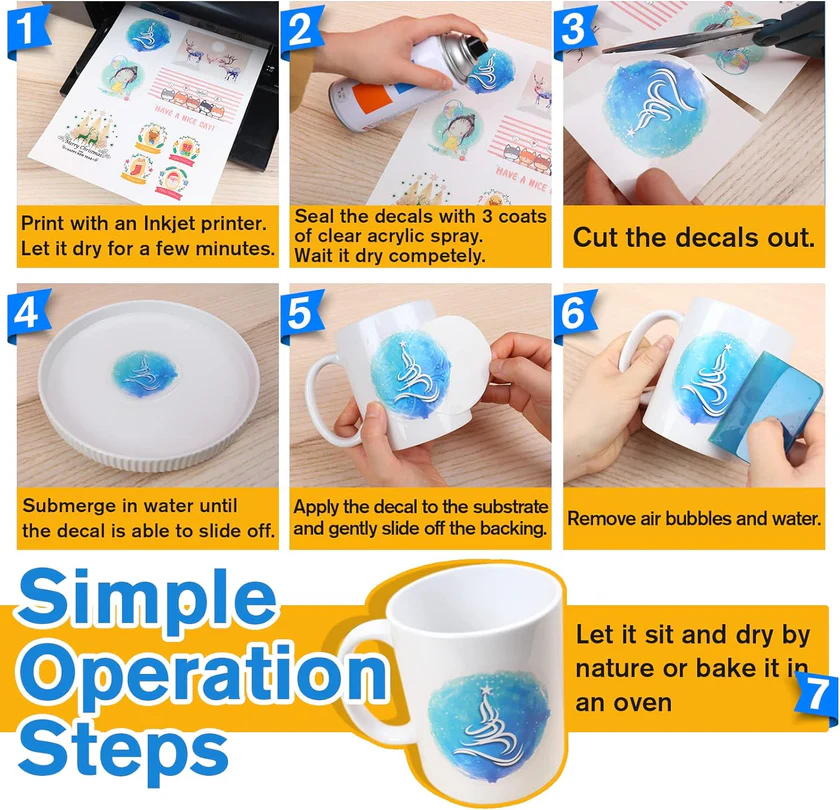
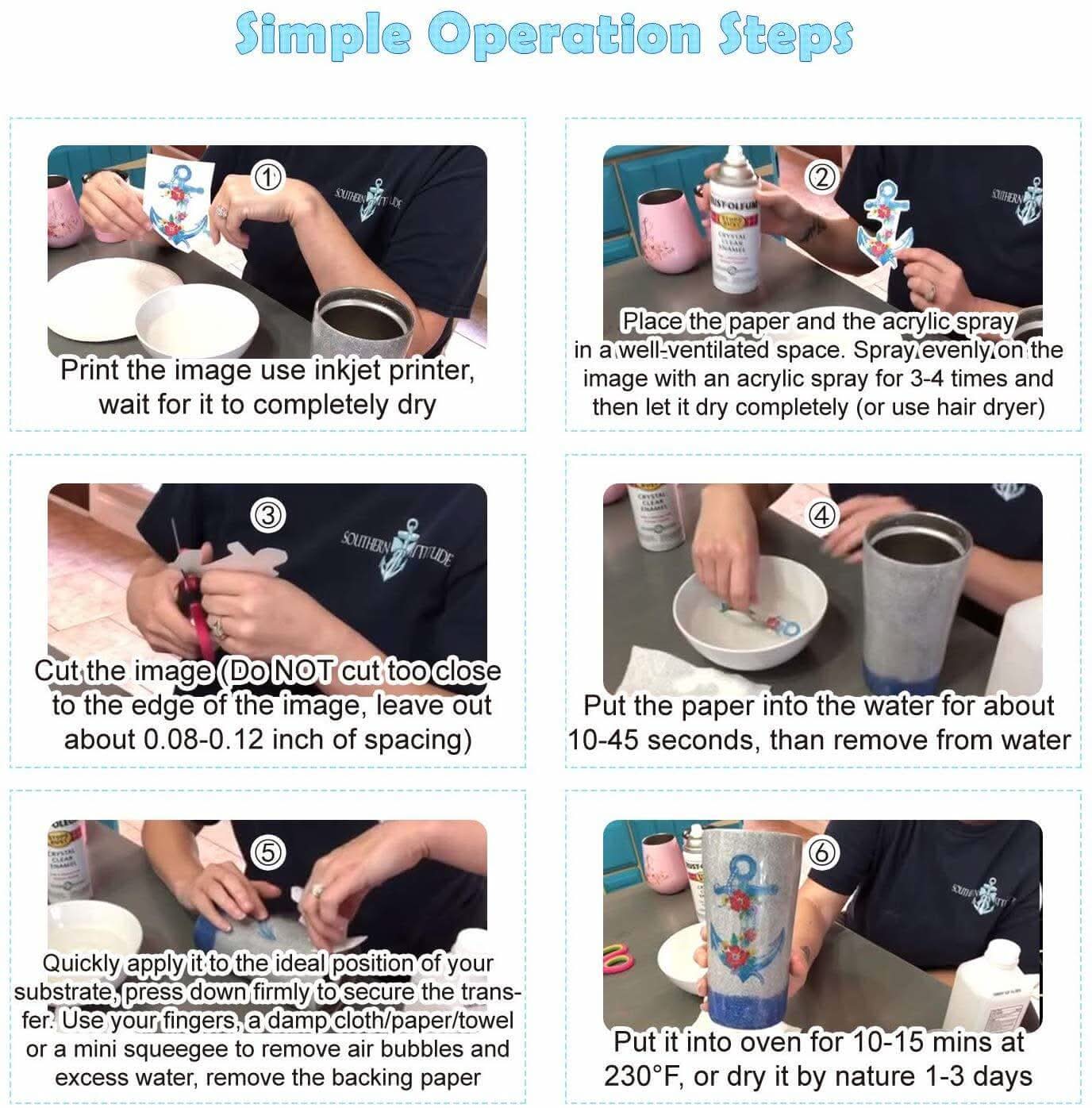
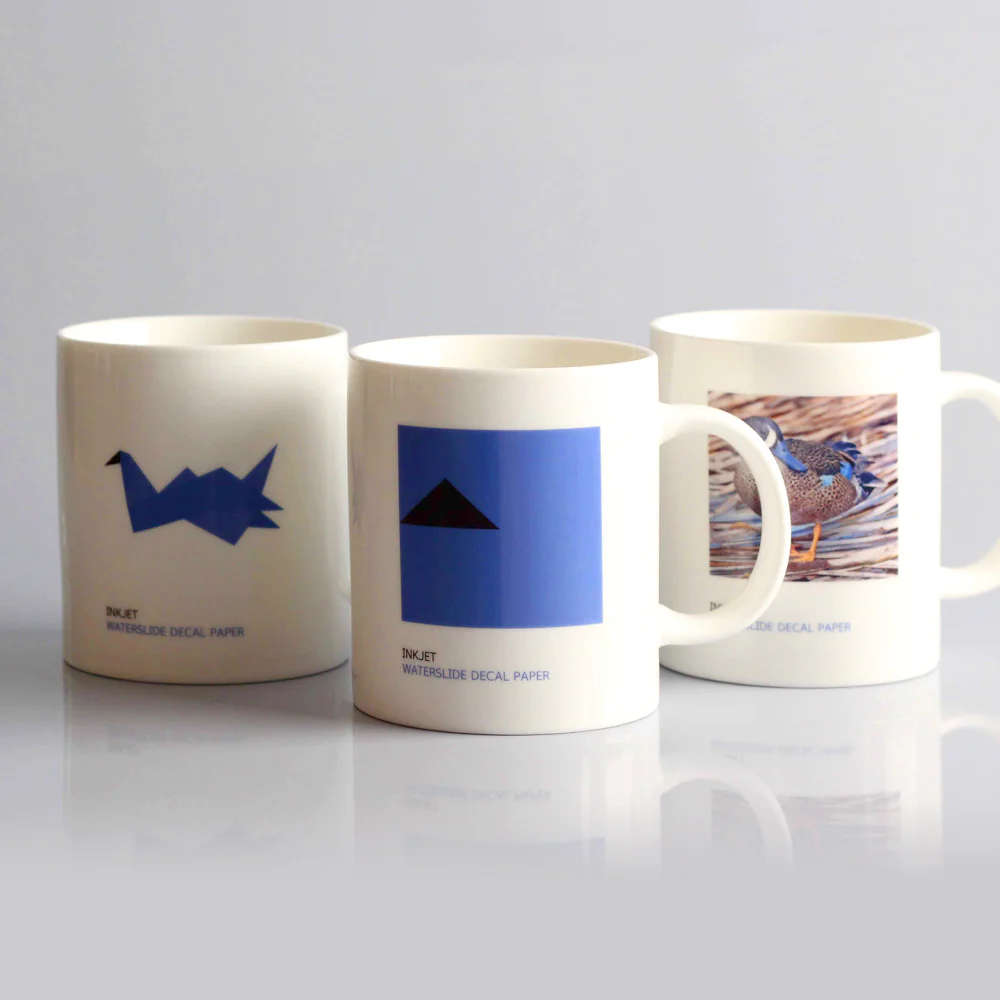
Water decals are ultra-thin stickers with a water-activated adhesive coating on the back. You can print your image on them using a home inkjet/laser printer and then immerse them in water. The printed design peels off the backing paper and slides onto the substrate.
This Decal paper is very thin—thinner than regular sticker paper—meaning it conforms naturally to curves and contours, making your design look hand-drawn rather than pasted on.
Water decals come in two colors: clear and white. Understanding the differences between them is crucial for your decision.
Clear Water Decals - In-Depth Analysis
What are Clear Water Decals?
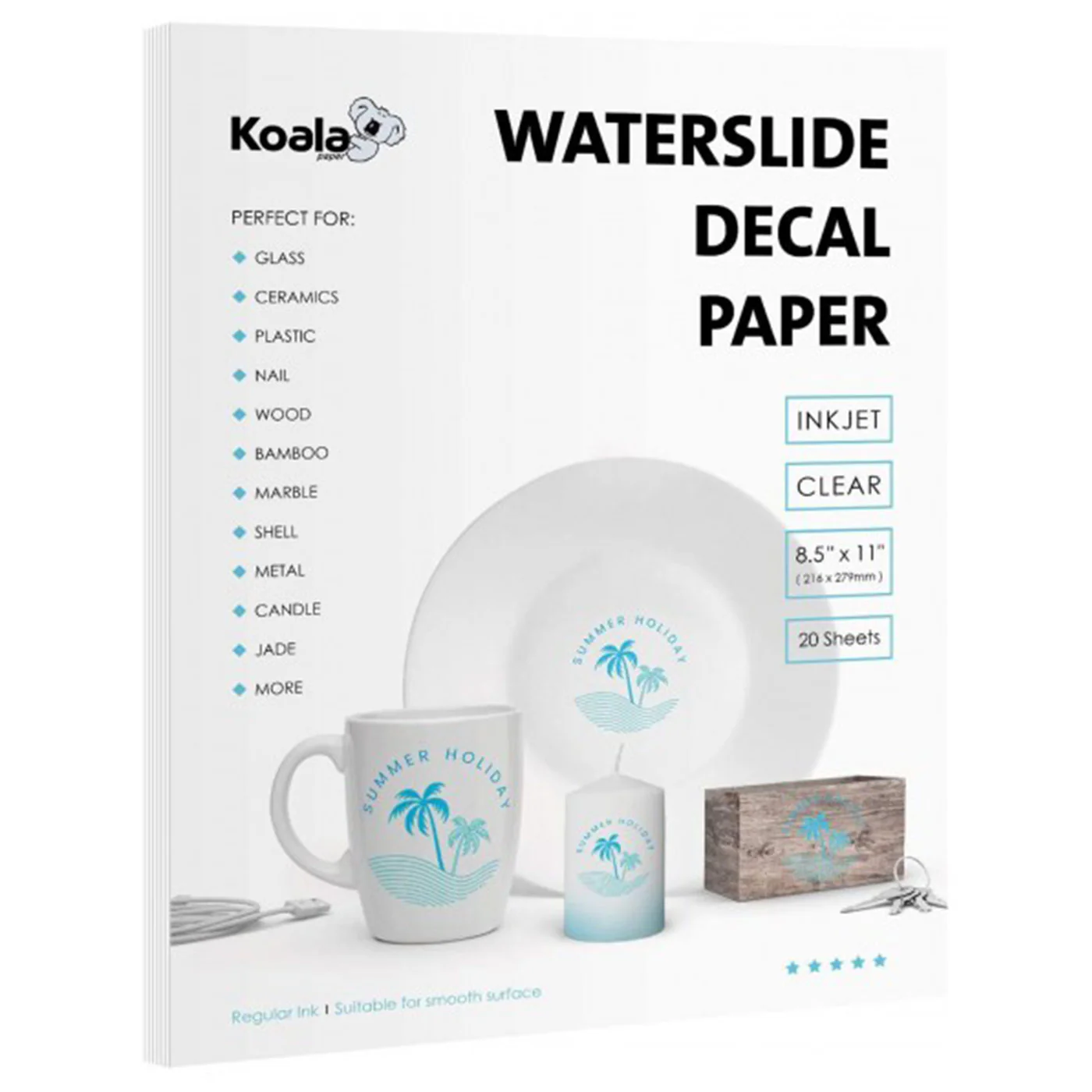
Clear water decals are semi-transparent, allowing the design to be clearly seen. The decal itself has no color—it's completely transparent except for the ink you print on it.
When you apply clear water decals, the background color of the design shows through the transparent portion of the decal. Any unprinted areas become completely invisible because the underlying surface is visible.
How Clear Water Decals Work
You can think of clear water decals as transparent window stickers:
- Printed areas—show the colors you printed
- Unprinted areas—show the color of the underlying surface
- Edges—completely disappear because there's no white border
This is precisely why clear water decals give them a professional, seamless look. The edges blend perfectly with the design, making them virtually invisible.
Best Applications for Clear Decal Paper

Light or White Surfaces
Clear decals are best suited for white or light-colored surfaces. For example, white ceramic mugs, light-colored ceramics, light-colored tiles, and smooth white plastic are excellent choices.
Transparent Surfaces
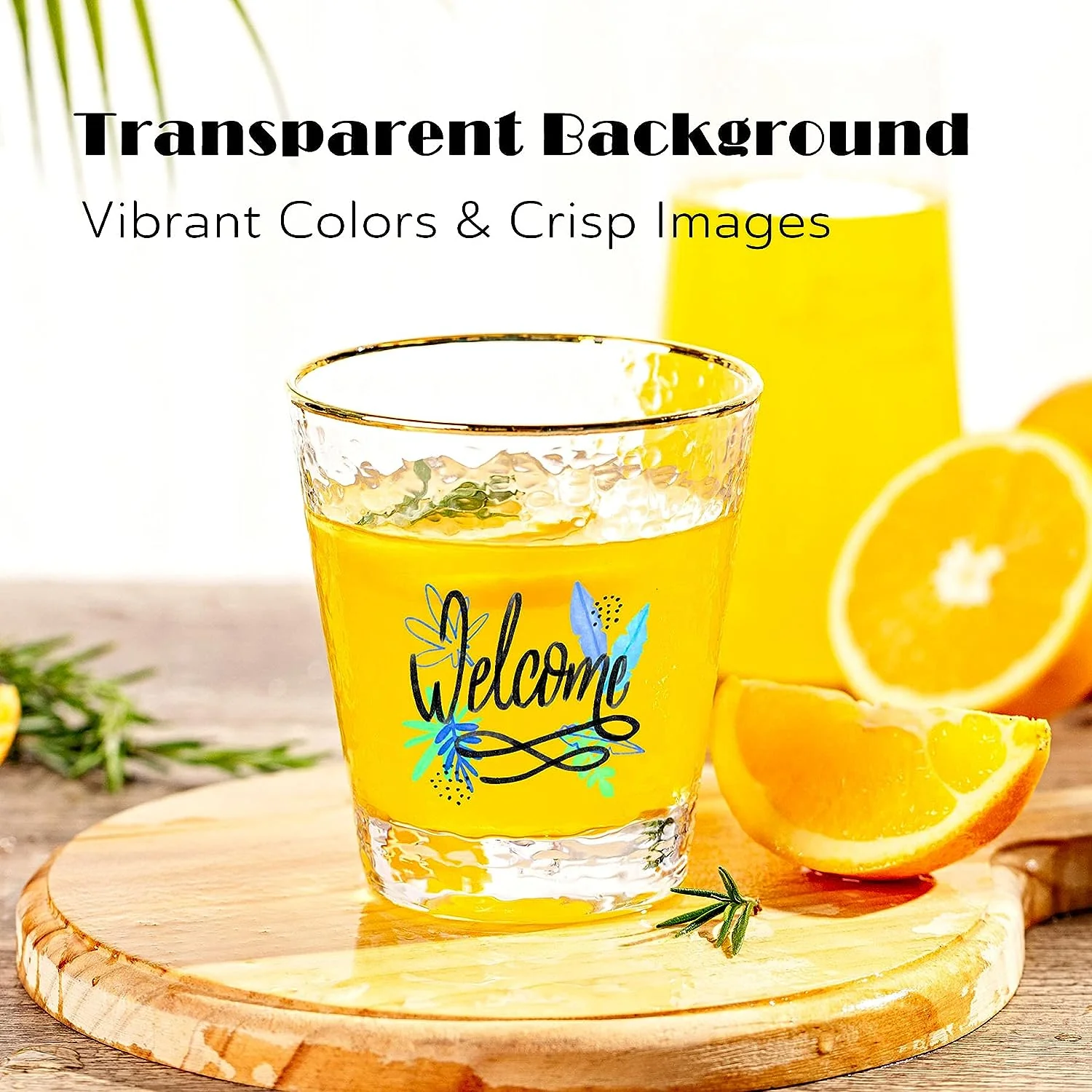
Glassware, clear acrylic mugs, crystal glasses, and wine glasses are also very suitable for clear decals. The transparency of the paper makes the glass clearly visible, creating an almost invisible effect.
Seamless Effect
If you want your design to look like it's been printed directly onto a surface, without any visible borders or edges, then clear decals are ideal. This is why clear decals are a favorite among professionals.
Company Logos
Clear decals are perfect for images that require a transparent background. For example, if you want to display your company logo on a book without adding a large white border around it, clear decals are the best solution.
Dark Designs Printed on Light Surfaces
Clear decal paper is best suited for printing dark designs or stickers on light-colored surfaces. Black text, dark logos, and striking designs are clearly visible against a light background.
Limitations of Transparent Water Transfer Paper
⚠️ White Elements Will Disappear
This is the most common mistake I see. Most printers don't print white ink. If you print an image containing white elements onto transparent paper, those areas won't receive the ink—they'll remain transparent. This might look acceptable on a white mug. But on any other color, the white elements will disappear.
⚠️ Light Colors Will Fade on Dark Surfaces
Any color lighter than the surface you're applying the sticker to will fade to almost nothing. Yellow, light blue, pink, and soft colors will be absorbed by dark backgrounds.
⚠️ Not Suitable for Dark Surfaces
Transparent paper cannot be used on dark backgrounds. Colors other than black require a white background to show up on a dark background. Printing on transparent paper and applying it to a black object will make the image almost invisible.
⚠️ Color Variation
Because the background color will show through, it may change the color of the sticker image. Printing a yellow image on a blue mug will appear greenish; printing a red image on a pink mug will appear purplish.
White Waterslide Decals - In-Depth Analysis
What are White Waterslide Decals?
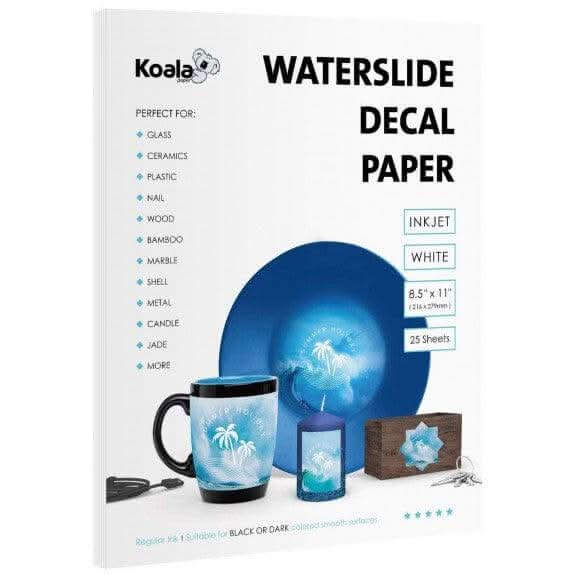
White waterslide decals are opaque, with a pure white base layer. This white base acts like a canvas, perfectly covering your printed design.
When you apply white waterslide decals, the white base covers the surface color underneath. Your printed colors will appear on the white background, perfectly showcasing your design regardless of the material underneath.
How White Waterslide Decals Work
You can think of white waterslide decals as printing on white paper:
- White base – covers any surface underneath
- Printed area – displays your colors on a white background
- Unprinted area – remains white
- Edge – appears as a white border
This gives white waterslide decals their main advantage: accurate color reproduction on any surface.
Best Uses for White Waterslide Decals
Dark or Black Surfaces
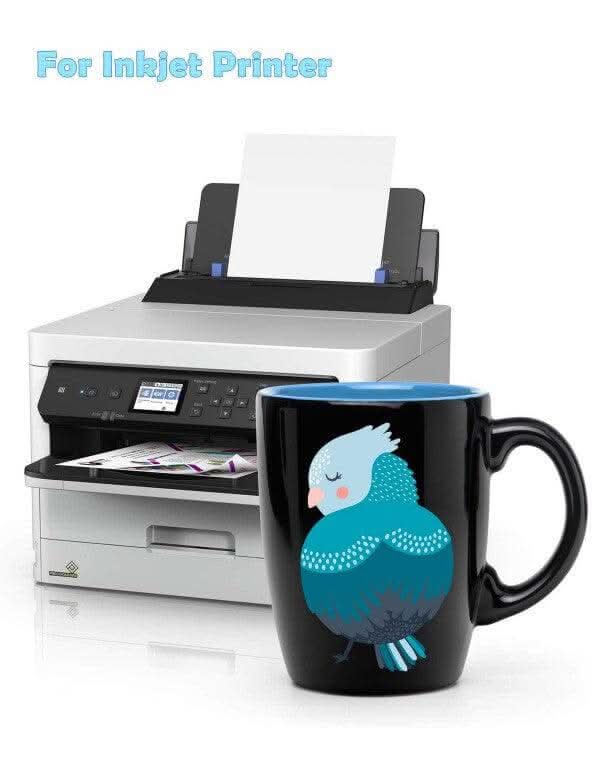
White waterslide decals are essential for dark or black surfaces. Black cups, dark ceramics, anodized metal, and dark resin all require white waterslide decals. Without them, your design will be barely visible.
Patterns Containing White Elements
If your pattern contains white text, white logos, or any white elements, you must use white paper. The white background of the paper perfectly fills the white areas in the image.
Suitable for Any Background Color
Because white paper is opaque, you can apply it to any background color, regardless of its shade. Therefore, white water transfer paper is a versatile choice when you are unsure of the background color.
Vibrant and Precise Colors
A white background makes colors more vibrant and striking because the colors are printed on a white background, rather than being affected by it. It better showcases the color saturation of the pattern itself.
Limitations of White Waterslide Decal Paper
⚠️ Visible White Edges
White stickers are thicker than transparent paper, leaving a visible white outline around the sticker. You'll need to find a way to handle this edge—either cut very precisely or integrate it into your design.
⚠️ Requires Precise Cutting
White stickers need to be cut along the edges of the image to remove the white background. This is not ideal for images with rich detail. For complex shapes with many curves, precise cutting becomes difficult and time-consuming.
⚠️ Not Suitable for Transparent Surfaces
On transparent glass or other transparent surfaces, white stickers will leave opaque white patches, ruining the transparency. This completely defeats the purpose of using transparent glass surfaces.
Real-world Case Studies – What Happens When You Make the Wrong Choice
Case 1: Transparent Decal Paper on a Black Mug
Project: A client wanted to print a gold logo on a black mug. They used transparent waterslide paper.
Result: The gold ink was almost invisible against the black background. The client thought the printer was malfunctioning.
Correct Choice: White paper (such as our PM-K2 or PM-K7). White paper makes the gold design stand out more against a white background.
Lesson: "Transparent paper cannot be used on dark backgrounds." Dark surfaces require white paper.
Case 2: White Water Transfer Paper on a Clear Wine Glass
Project: A client wanted to print a floral design on a clear wine glass. They used white decal paper.
Result: An unsightly white patch appeared around the design. It completely ruined the glass's transparency.
Correct Choice: Transparent waterslide paper (such as our QM or PM-K1). The transparent background disappears, making the design look painted on.
Lesson: White paper is not suitable for transparent surfaces. Transparent paper is the only option for glass.
Case 3: Transparent Paper for White Text Design
Project: A client wanted to affix a sign with white text to a white mug. They used transparent paper.
Result: The white text completely disappeared. The client thought there was a problem with the printer.
Correct Choice: White paper. White backing paper provides white that the printer cannot print.
Lesson: "If your design contains white areas and you are using a standard printer (which cannot print white), choose a sticker with a white backing."
Advanced Techniques
Tip 1: Hiding White Edges
The biggest challenge with white paper is the visible white edges. Here are three ways to solve this problem:
Precise Cutting – Cut as close to the edge of the design as possible. This works well for simple shapes (squares, circles, rectangles).
Cleverly Utilizing White Edges – If you can't hide the white edges, integrate them into your design. Intentionally left white edges look more natural.
Spraying a Clear Coating – Spraying a clear acrylic coating onto the finished sticker helps the white edges blend better into the surface.
Tip 2: Creating a “White Ink” Effect on Transparency Paper
If you must use transparency paper but need white elements, consider the following:
Modify the Design – Change the white to a very light color (e.g., light gray, light gold) to create a white effect on a light-colored surface.
Accept Limitations – Some designs work even without white elements.
Use White Paper Instead – This is the simplest solution if white is essential.
Tip 3: Use Two Methods in Mix
For complex projects, you can use two methods simultaneously:
Use transparent paper for the main design (suitable for light-colored surfaces).
Use white paper for white elements (cut and paste separately).
Tip 4: Create a “White Ink” Effect with White Paper
"Since standard inkjet printers cannot print white ink, use our white sticker paper to achieve this effect." Match your background design to the surface color; the white backing paper will give your graphics a "white ink" effect.
Our Product Recommendations
Based on everything we have covered, here is our recommendation for each scenario:
| Your Need | Recommended Product | Key Feature |
| Clear + Inkjet + Spray required | PM-K1 | Standard clear paper, 185g, for light surfaces |
| Clear + Inkjet + No spray | QM | No clear coat needed – print, soak, slide |
| White + Inkjet + Spray required | PM-K2 | Standard white paper, for dark surfaces |
| White + Multi-printer + No spray | PM-K7 | Works with inkjet, laser, UV, digital – dark or light surfaces |
| Clear + Laser | ZG-B1 | Laser-specific clear paper |
| White + Laser | ZG-B2 | Laser-specific white paper |
Summary
Clear waterslide decal paper is the best choice for light-coloured or transparent surfaces where you want invisible edges and a painted-on look. It fails on dark surfaces and cannot reproduce white elements.
White waterslide decal paper is the only choice for dark surfaces and designs containing white elements. It gives accurate, vibrant colours on any surface but leaves a visible edge that requires precise trimming.
Remember this simple rule:
- Light surface + no white in design = Clear waterslide decal paper
- Dark surface OR white in design = White waterslide decal paper
Choose correctly, and your decals will look professional. Choose incorrectly, and you will waste time, materials, and money.
Can I use white paper on transparent glass?
Yes, but not recommended. White paper leaves a visible white block that ruins the transparency. Clear paper is the better choice for glass.
Why do my white elements disappear on clear paper?
Because most printers do not print white ink. On clear paper, unprinted areas are transparent. To keep white elements, use white paper.
Is white paper always better than clear?
No. Each has its place. Clear paper gives invisible edges on light surfaces. White paper gives accurate colours on dark surfaces. Choose based on your project.
Which paper is thicker?
White paper is thicker than clear paper. This means white decals have a more noticeable edge and may not conform to curves as easily.
Can I mix clear and white paper on the same project?
Yes. Use clear for the main design (on light surfaces) and white for elements that need white backgrounds.