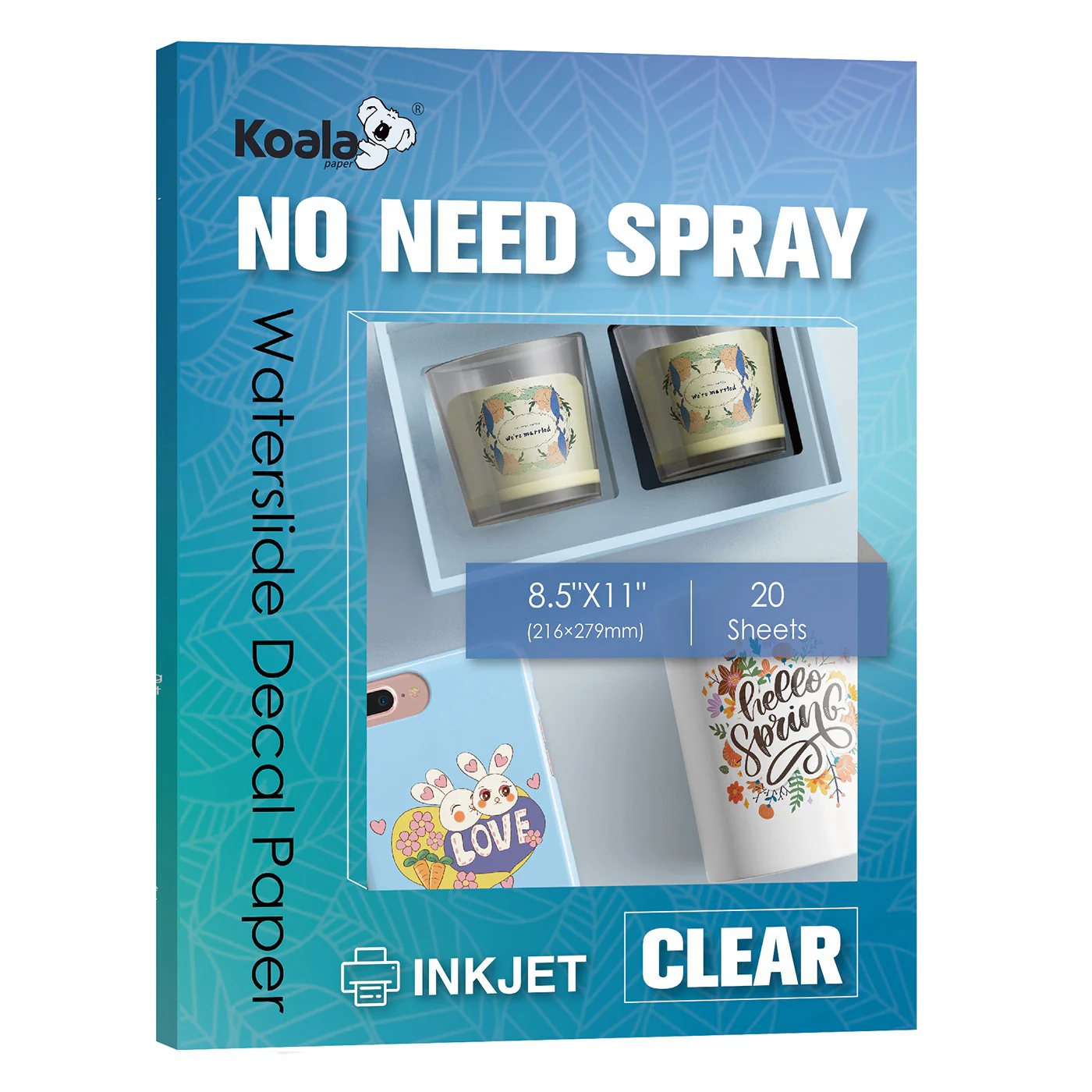
Our water slide decal paper wholesaler used to hate the varnish spraying step.
The pungent smell. The long wait. Uneven application ruined what was supposed to be a perfect sticker design. One client even ruined a batch of 50 mugs due to paint dripping from over-spraying—leaving an irreparable defect.
That's when our decal paper factory discovered water-based decals that didn't require varnish spraying.
Our QM and PM-K7 series water slide decal paper completely eliminates the spraying step. In this guide, I'll compare these two spray-free options, show you their performance in real-world testing, and help you choose the one best suited for your work environment.
What are No-Spray Waterslide Stickers?
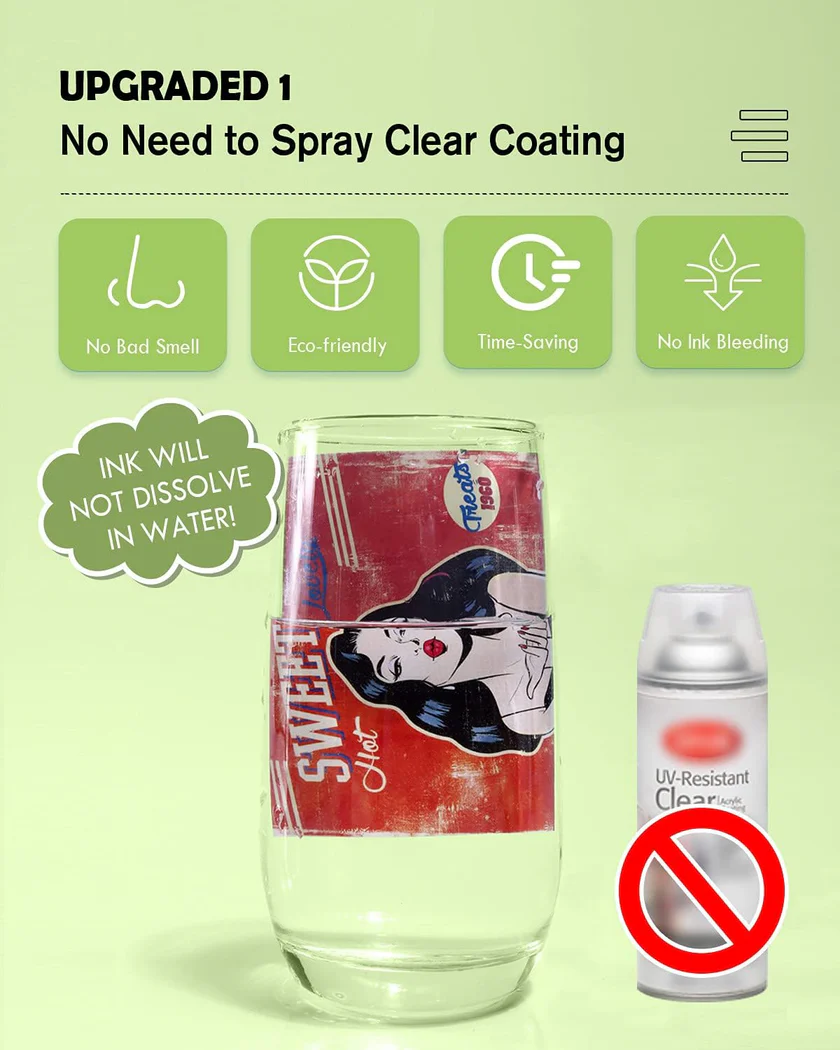
The Pain Points of Traditional Water Decal Paper:
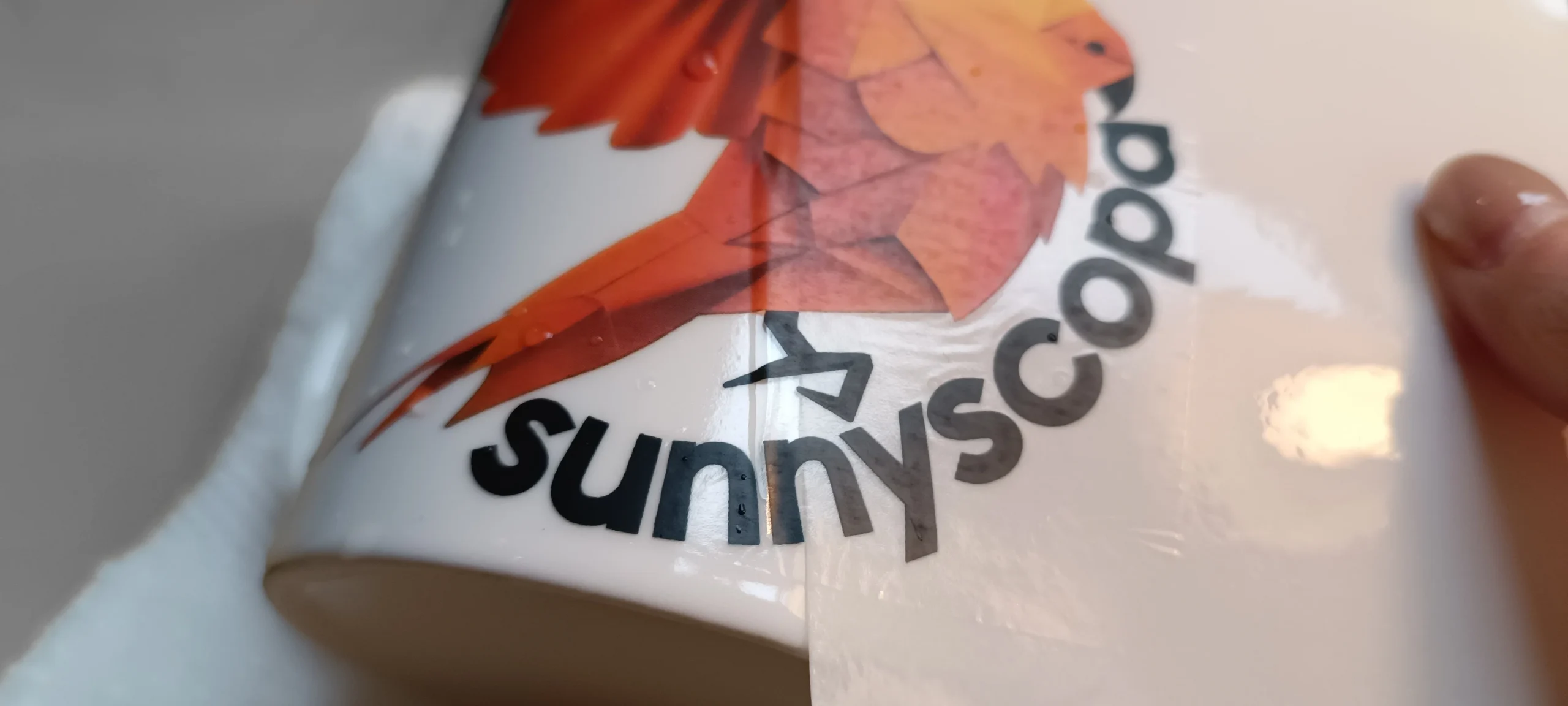
Most WaterSlide Stickers Paper requires a coat of clear acrylic or varnish after printing. This sealant protects the ink from water during immersion and sliding, maintaining the integrity of the design. Without the varnish's protection, the ink washes away, causing the design to smudge.
The problems are:
- Time – 30-60 minutes drying time between coats
- Odor – Toxic solvents, requiring ventilation
- Uneven Coating – Uneven coating can cause spots or a hazy appearance on the sticker
- Waste – Over-spraying or dust adhering to undried sealant can damage the sticker
- How Our Special Waterslide Decal Paper Works
Papers like QM (clear) and PM-K7 (white base) have a built-in protective layer. You simply print, dry, immerse, and peel – no spraying, no waiting, clean and quick.
This coating is carefully designed during the manufacturing process (our R&D team has over 20 years of experience researching special paper coatings), so the ink remains strong even when immersed in water.
Who manufactures this paper?
We manufacture it in our own factory (not outsourced)—from polymer resin synthesis to final coating. QM and PM-K7 are our two most popular innovative water decal papers, designed for busy studios/craftspeople who value efficiency and environmental responsibility.
One of our customers, when using QM paper for the first time, completely forgot to apply the adhesive—he was too used to the traditional water transfer paper process. He thought he had wasted a dozen prints. As it turned out, the transfer was perfect, and they were even dishwasher safe. Since then, he has never used traditional decal paper again.
QM vs. PM-K7 – Which Waterslide Decals Paper is Right for You?
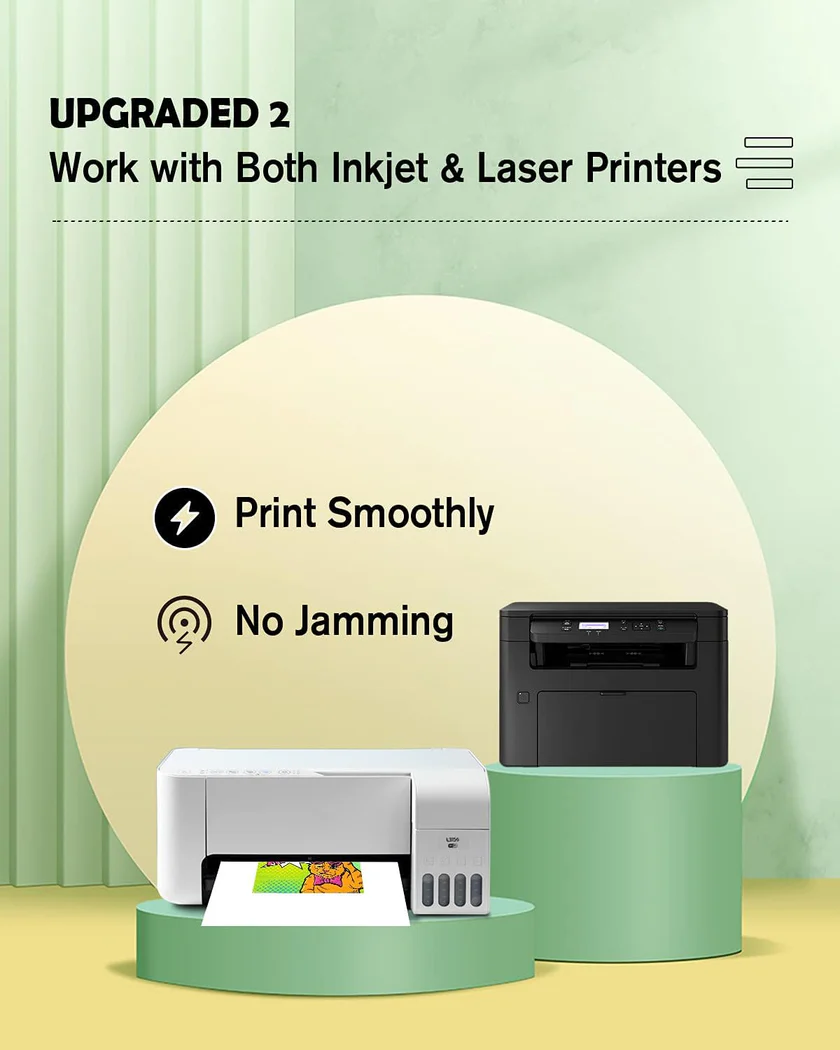
While both are no spray waterslide decals, they have different uses.
QM – Transparent No-Spray (Inkjet Only)
| Property | Details |
| Printer compatibility | Inkjet only |
| Appearance | Slightly milky white on paper; becomes fully transparent after transfer |
| Best for | Light coloured or transparent surfaces (white mugs, clear glass, light ceramics) |
| Water resistance | Excellent – no sealer needed |
| Dry time | Instant (prints dry within seconds) |
| Baking recommended | 135°C for 15 minutes for best adhesion |
| Bulk price (per sheet) | ~$0.28 |
Best use case: Clear wine glasses, light coloured mugs, glass ornaments, and any project where an invisible edge is critical.
PM-K7 – Multifunction No-Spray (Inkjet + Laser + UV + Digital)
| Property | Details |
| Printer compatibility | Inkjet, laser, digital, UV – all in one |
| Appearance | Matte white surface, opaque |
| Best for | Both light and dark substrates – no need to match colour |
| Water resistance | Excellent – self sealing |
| Dry time | Instant |
| Baking recommended | 135°C for 15 minutes |
| Bulk price (per sheet) | ~$0.32 |
Best use case: Dark mugs, workshops with multiple printer types (inkjet + laser), or users who want one paper for everything.
Quick Comparison Table
| Feature | QM | PM K7 |
| Printer compatibility | Inkjet only | Inkjet, laser, UV, digital |
| Transparency | Fully transparent after transfer | Opaque white base |
| Works on dark substrates | ❌ No | ✅ Yes |
| Works on light substrates | ✅ Yes | ✅ Yes (but will cover the surface) |
| Dry time | Instant | Instant |
| Need to mirror print? | ✅ Yes (transparent) | ❌ No (opaque) |
| Baking recommended | 135°C / 15 min | 135°C / 15 min |
| Cost per sheet (bulk) | Lower | Slightly higher |
Actual Testing: No-spray Waterslide Paper vs. Regular Waterslide Decals
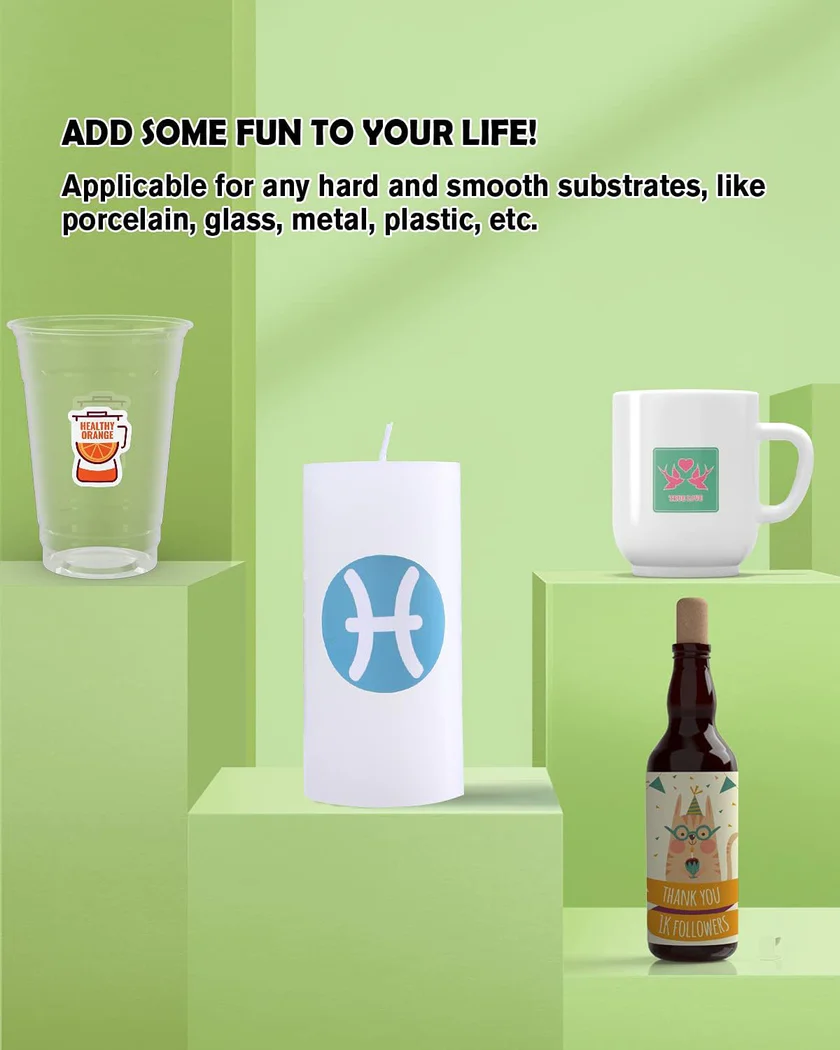
We tested three different Waterslide Decal Papers together:
- Regular decals + clear acrylic spray coating (PM-K1 + spray coating)
- QM (no spray coating, clear)
- PM-K7 (no spray coating, white base)
Testing Conditions:
- Printer: Epson ET-2800 (inkjet) + Brother laser printer (PM-K7 only)
- Substrate: White ceramic mug + Black ceramic mug
- Dishwasher: 50 cycles, upper rack, heated drying
Results after 50 cycles:
| Test metric | Regular + spray | QM (no spray) | PM K7 (no spray) |
| Prep time (incl. spraying) | 45 minutes | 10 minutes | 10 minutes |
| White mug – edge visibility | Slight edge after baking | Invisible | Opaque – covers white |
| Black mug – result | Not applicable | ❌ Fails (transparent) | ✅
Perfect – bright design |
| 50 cycle dishwasher survival | Good (minor edge wear) | Excellent (no wear) | Excellent (no wear) |
| Cost per decal (incl. spray) | $0.22 + spray cost (~$0.05) | $0.28 | $0.32 |
Conclusion:
QM is the fastest, cleanest option for light/transparent surfaces.
PM-K7 is the most versatile option – it works on any colour and any printer.
Which customers should choose No-spray waterslide paper?

QM is best suited for…
- Sellers on Etsy who sell clear glass, white mugs, or light-colored ceramics
- DIY enthusiasts who want the simplest workflow (print, dry, soak, paste)
- Anyone who hates the smell and mess of spray sealant
- People who only use inkjet printers
PM-K7 is best suited for…
- Studios with hybrid printers (inkjet + laser + digital)
- Projects that need decals on dark substrates (black mugs, dark glass, painted wood)
- Small-batch producers who want one paper to meet all their needs
- Users who prefer to use opaque, bright white backing paper under their designs
When is spray sealant still needed?
- Even with spray-free options, there are situations where you might still prefer traditional waterslide paper:
- Extreme outdoor environments—the UV-resistant clear coating provides extra protection
- High-wear items (e.g., tool handles)—a thick topcoat extends their lifespan
How to Use No Spray Waterslide Decal Paper (Step-by-Step Guide)
QM – Transparent waterslide decals for Inkjet Printer
- Print – Use the mirror (reverse) mode on your inkjet printer.
- Dry – Air dry for 2-3 minutes, or use a fan. It dries almost instantly.
- Soak – Immerse in room temperature water for 20 seconds.
- Apply – Apply the sticker to the target surface and smooth out air bubbles with a squeegee or damp cloth.
- Bake – After air drying, bake at 135°C for 15 minutes for best adhesion.
PM-K7 – Multifunction Printer (Inkjet/Laser/UV)
- Print – No mirror required (opaque white backing paper). Can be used with any compatible printer.
- Soak – Immerse in water for 20 seconds.
- Apply – Apply to the target surface. Due to its opacity, it works well on dark backgrounds.
- Smooth – Smooth out air bubbles with a squeegee.
- Drying and baking – same baking steps (135°C, 15 minutes), dishwasher safe.
“PM-K7’s biggest advantage is that you don’t have to think about which printer you’re using – just grab a sheet and go.”
Common Misconceptions

Soaking for too long
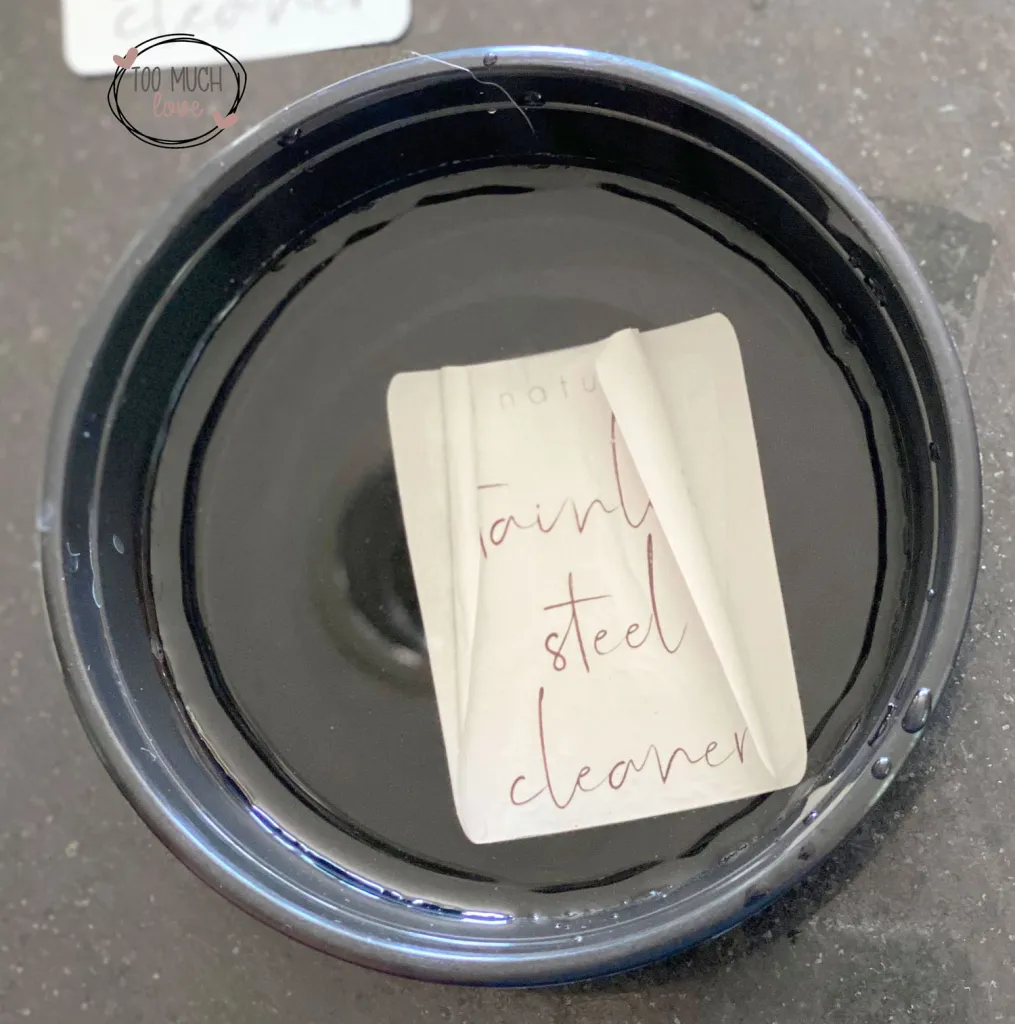
Soaking for more than 30 seconds will cause the adhesive layer to dissolve. Always time it – 20 seconds is sufficient.
Not baking
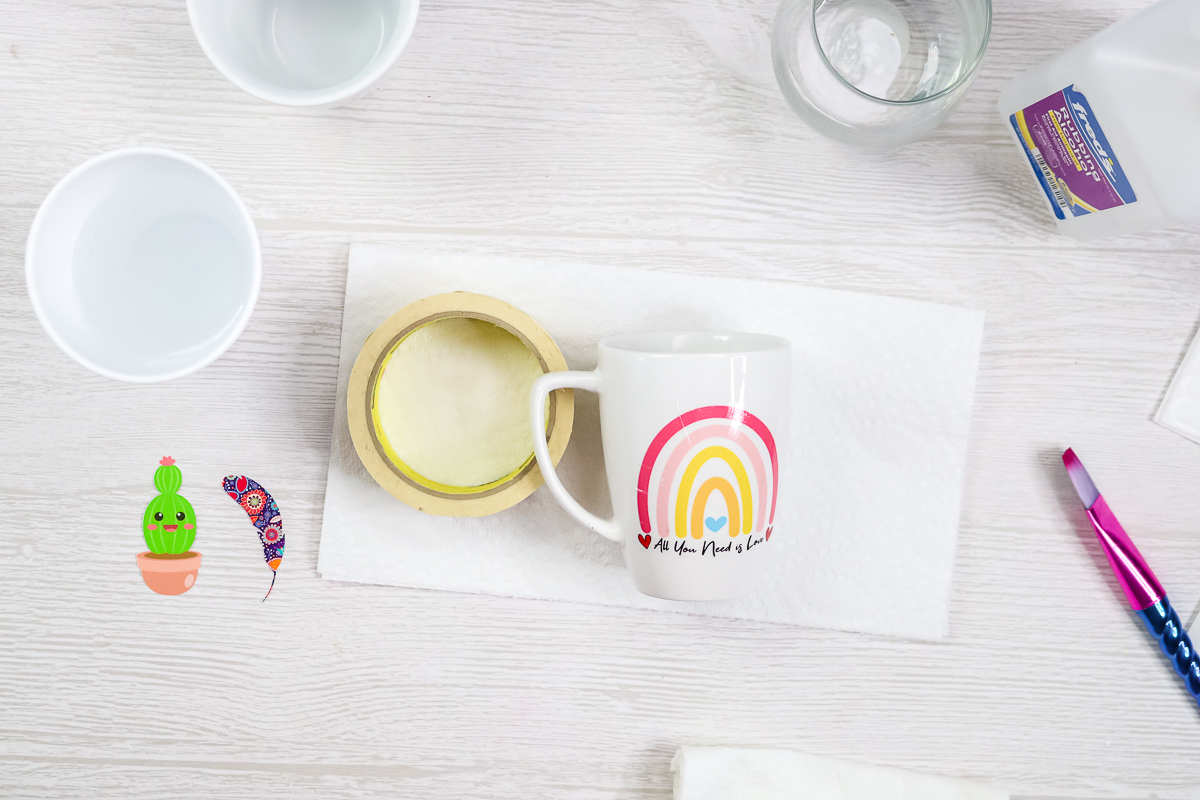
No spray waterslide decals are waterproof, but they need to be baked at 135°C for 15 minutes before dishwasher safe. Without baking, hand wash only.
Using QM paper on dark surfaces
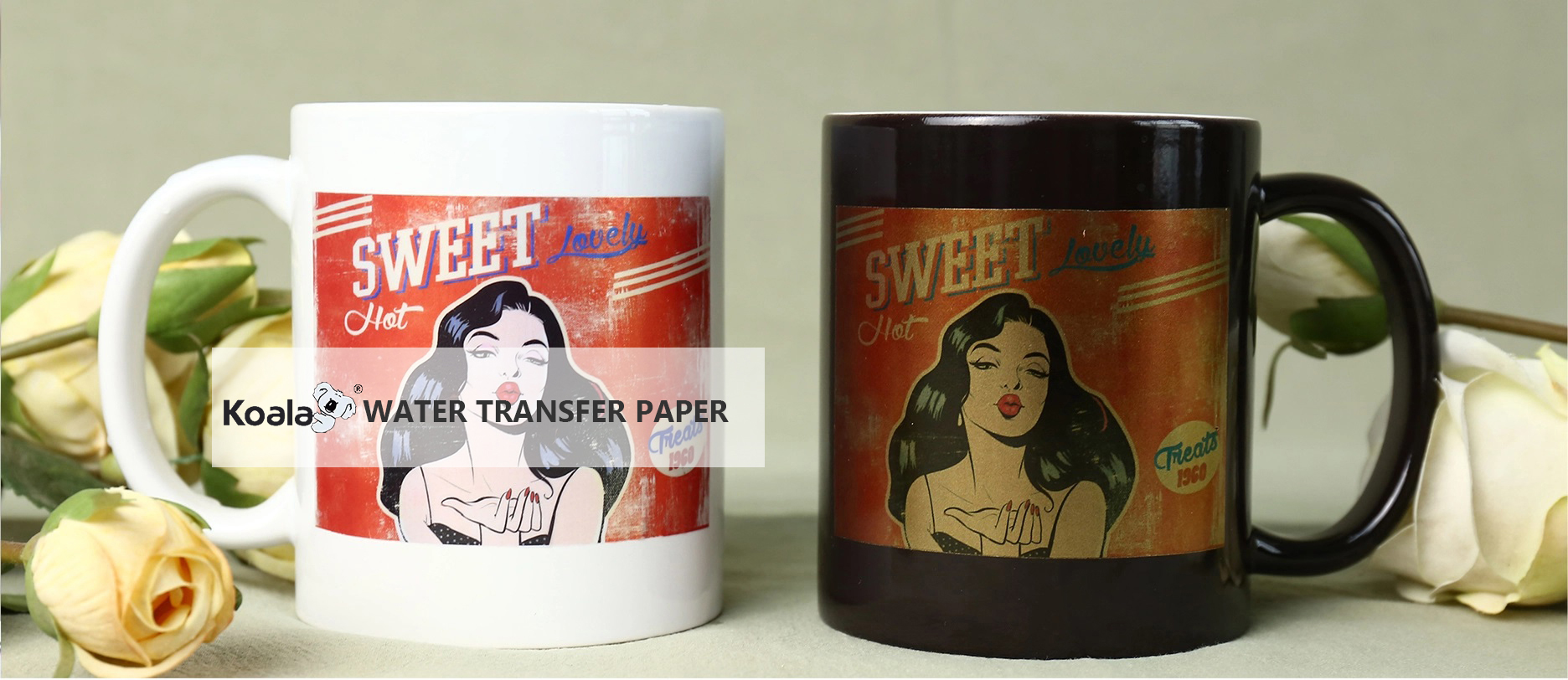
QM paper is transparent – it will disappear on dark surfaces. Use PM-K7 or white-backed paper instead.
Not testing first
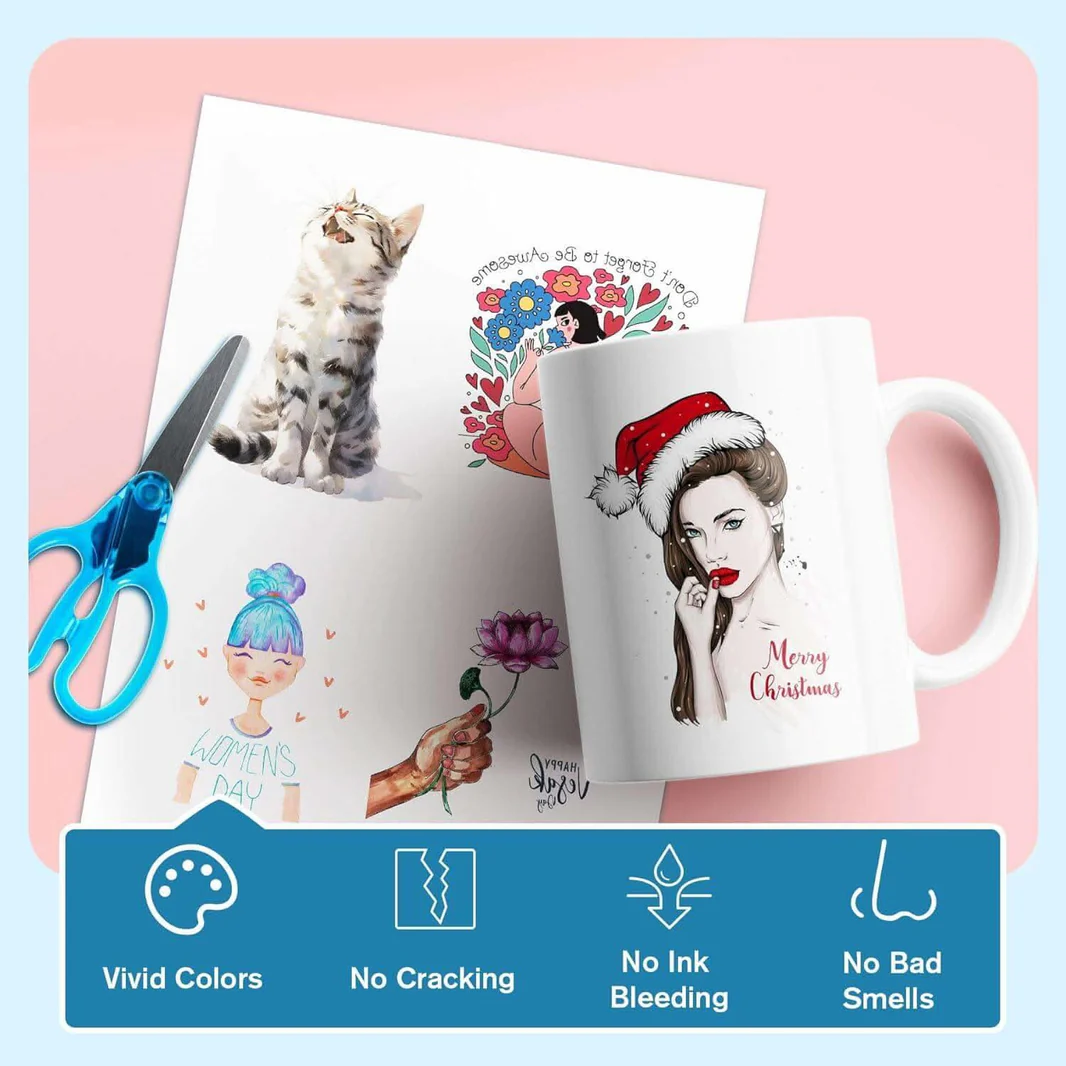
Before batch printing, always test a sheet of paper with your specific printer, ink, and substrate.
Final Conclusion
Our no-varnish stickers aren't for everyone. But if you run a small business producing custom mugs, glasses, or gifts, the time saved will far outweigh the cost of the stickers themselves.
- QM – Best for light/clear surfaces, offering the fastest and cleanest workflow.
- PM-K7 – Works with a variety of printers and dark backgrounds, making it the most versatile.
I recommend for most beginners: For light-colored projects, start with QM – it's cheaper, easier, and achieves stunning invisible edges. If you need dark substrates or use multiple printers, upgrade to PM-K7.
Can the PM-K7 be used with both inkjet and laser printers?
Yes—that's where its strength lies. One sheet of paper, any printer. We've tested it with Epson, HP, Canon, Brother, and commercial UV printers.
Is QM transfer truly transparent?
Yes. It appears slightly milky on paper, but becomes crystal clear after transfer and baking—perfect for glass and light-colored ceramics.
Can these be dishwasher safe?
Bake at 135°C for 15 minutes—yes. We recommend waiting 24 hours for full curing before the first wash.
What is the minimum order quantity for no-spray paper?
Bulk: 1000 packs (100 sheets per pack) minimum order, enjoy wholesale pricing.
Custom OEM packaging is available.
Can I buy a sample first and then order 1000 packs?
Absolutely—we encourage you to do so. Every printer, every ink, and every printing surface will produce different results. Spend a few tens of dollars on shipping to test it out, and then you can confidently order in bulk.