
Our customers tested the 5 best-selling sublimation papers on the market using the same Epson ET-2800 printer. Same pattern, same press, same temperature. What were the results?
- One paper produced vibrant, sharp colors.
- Two were acceptable.
- One faded severely after just one wash.
- And one…was completely unusable.
- Paper selection is just as important as the printer itself.
In this guide, we'll show you which sublimation papers are best suited for Epson EcoTank and Sawgrass printers based on actual test results (not popular reviews). I'll provide specific recommendations based on popular sublimation printer models, budget, and paper quality standards.
If you're planning to wholesale sublimation paper? I'll also tell you how to test it before buying dye sublimation paper in bulk.
Why Choosing the Right Sublimation Paper is Crucial for Sublimation Printers
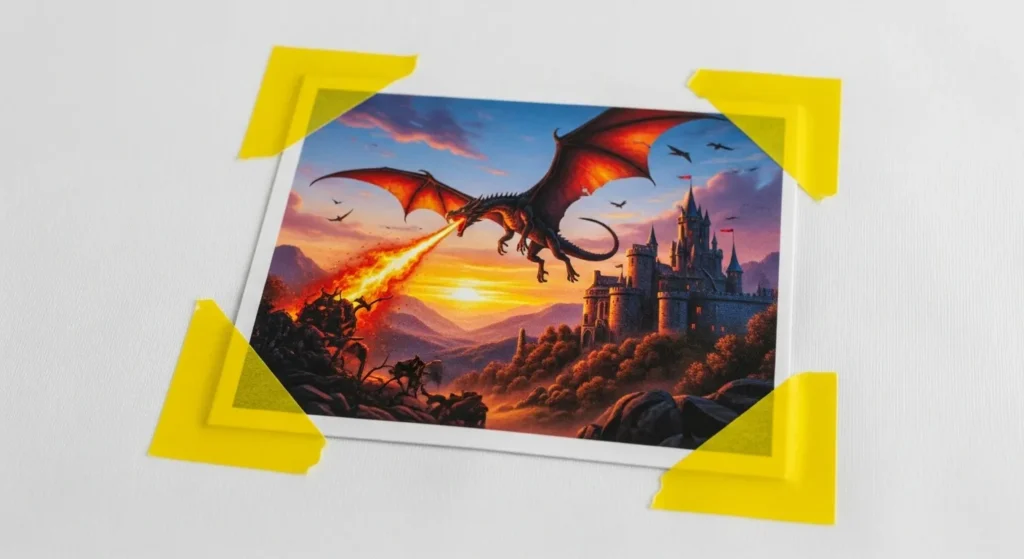
Let me tell you about an experience one of our customers shared with us.
He bought a cheap, unknown brand of sublimation paper from Amazon. Considering it "great value," he loaded it into a modified Epson ET-2800 printer and printed a design. It looked good on the paper.
But what happened after the transfer? Fading, blurring, and unevenness.
In less than two weeks, his printer started developing stripes. It turned out that residue from the paper's coating had left its mark inside the printer. After switching to paper from our factory, the problem was solved.
Although this paper is more expensive, it saved his printer.
Not all sublimation papers are created equal.
Here are the differences between different brands:
| Variable | Why it matters |
| Coating formula | Affects how much ink releases during transfer |
| Paper weight (grammage) | Heavier paper = less warping, but slower drying |
| Dry time | Fast-dry = less smudging, can stack prints immediately |
| Ink compatibility | Some papers work better with specific ink brands |
Epson vs. Sawgrass – Different Printers, Different Needs
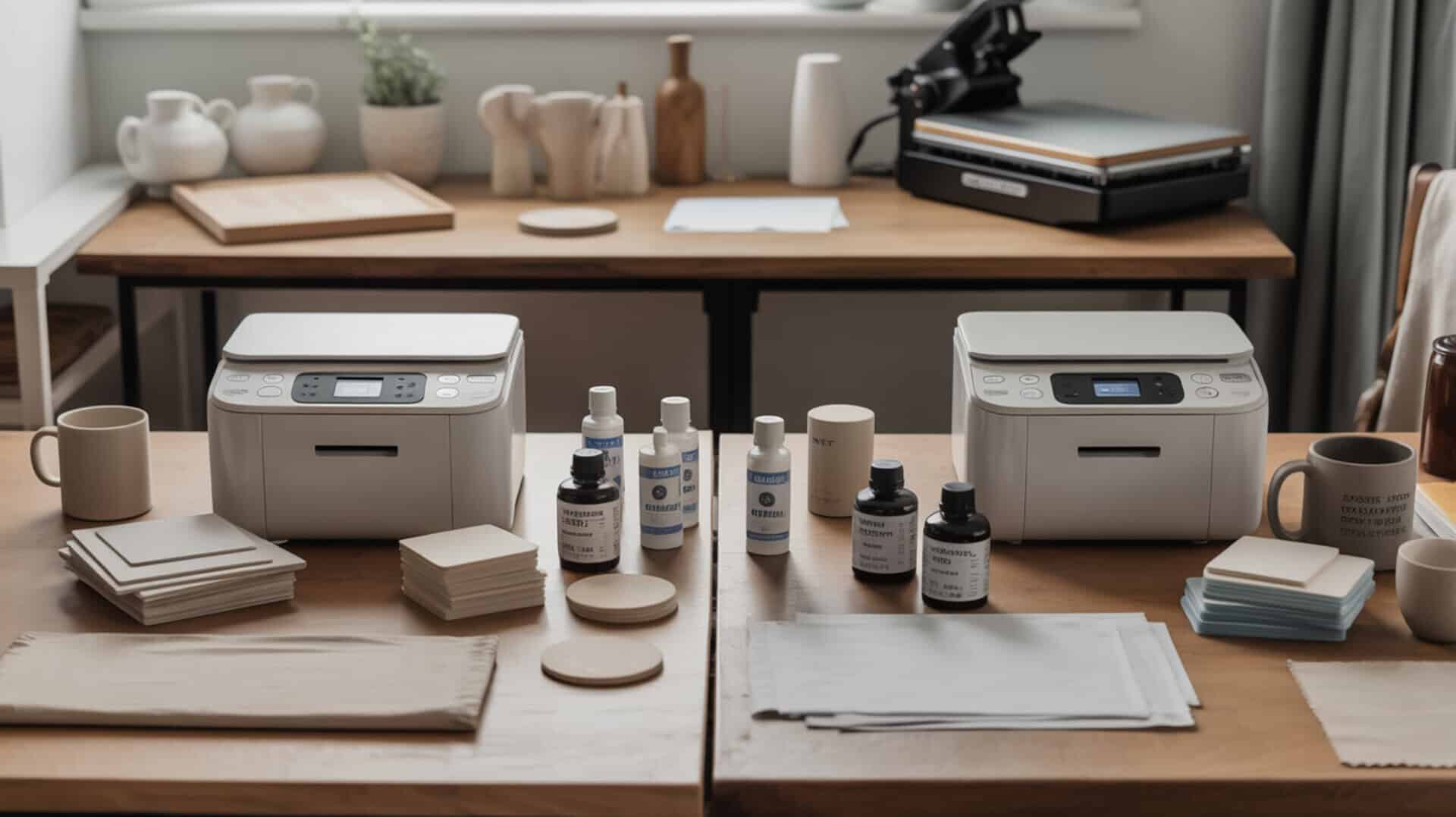
Epson Printer (Modified from EcoTank):
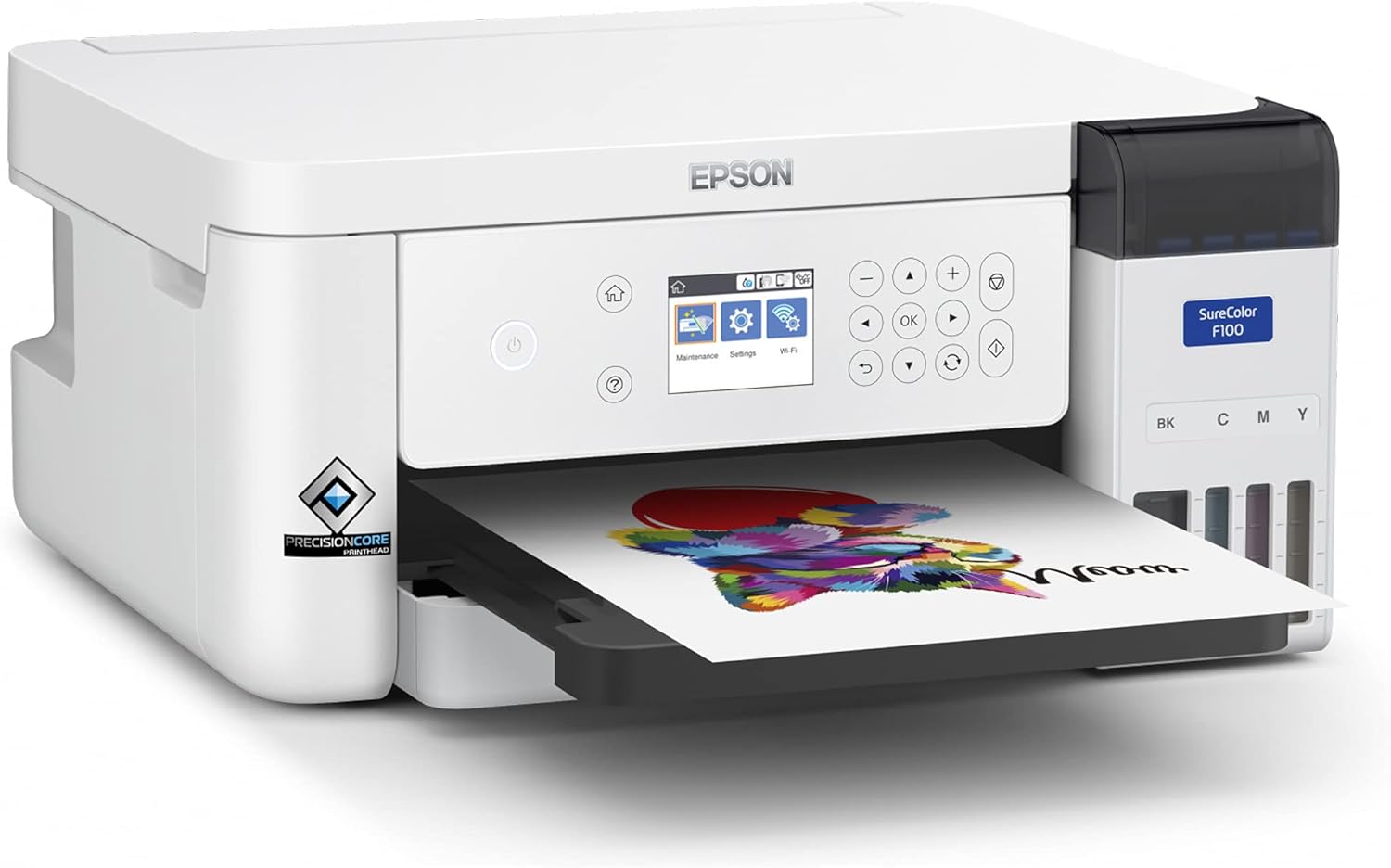
- Piezoelectric printhead
- Moderate sensitivity to paper coating
- Suitable for most mid-range papers (A-SUB®, Koala®, Hiipoo)
- More tolerant of cheaper paper
Sawgrass Printer (Dedicated Dye-Sublimation Printer):
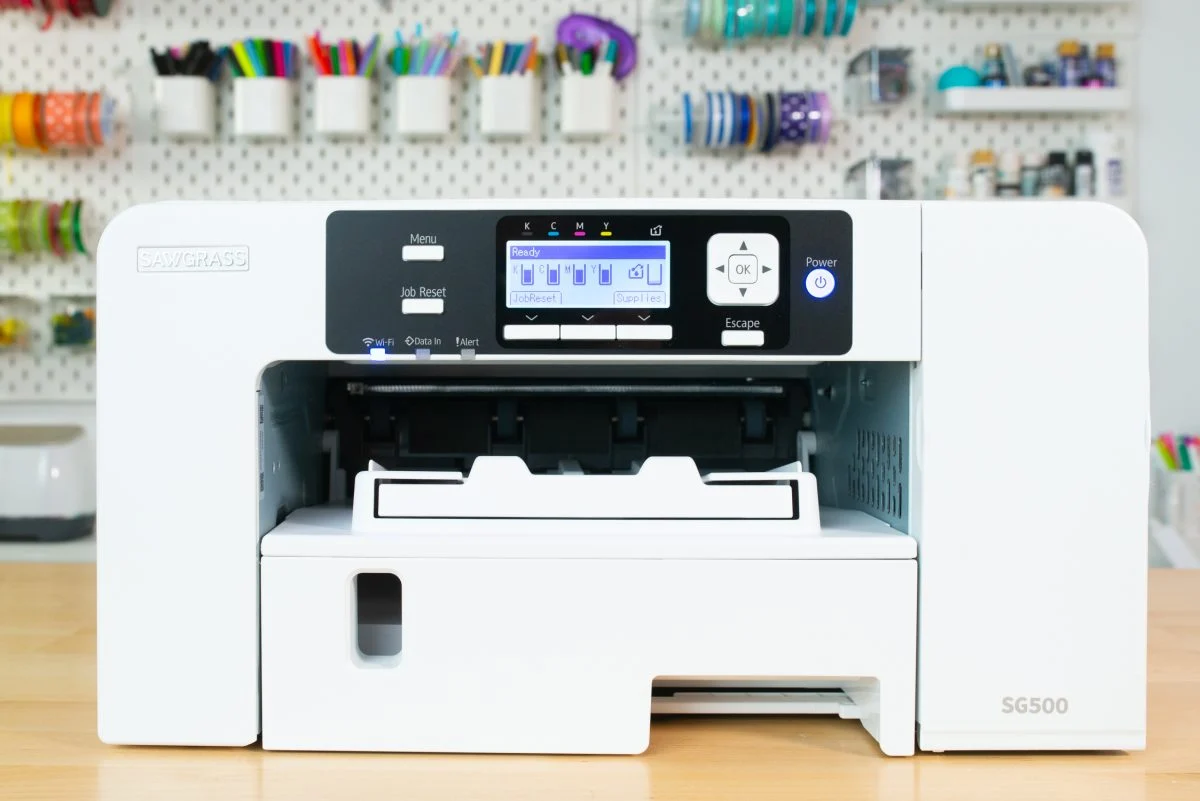
- Proprietary ink system
- More sensitive to paper coating
- More prone to coating residue buildup
- Requires higher quality paper for optimal results
Consequences of Using the Wrong Paper

I've experienced all of the following:
- Blurry or ghosting prints – Uneven ink release
- Dim colors after transfer – Coating not fully releasing ink
- Paper jams or warping – Inappropriate paper thickness or moisture content
- Printhead clogging – Coating residue buildup (I've encountered this when using inferior paper)
- Inconsistent print quality – Same settings, different results
How We Test These Sublimation Papers
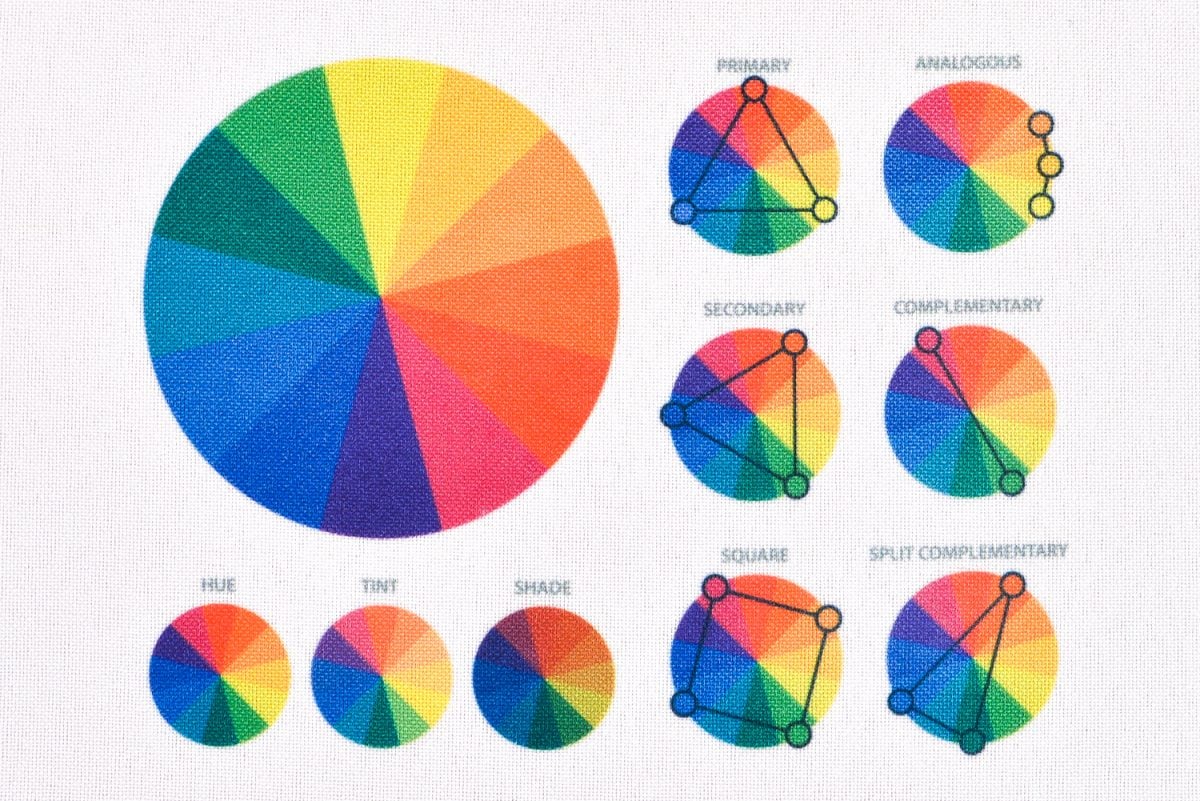
We want real-world results, not just advertising claims. Below are my detailed testing sublimation paper steps.
Test Setup
| Item | Details |
| Printer 1 | Epson EcoTank ET-2800 (converted with Hiipoo ink) |
| Printer 2 | Sawgrass SG500 (OEM ink) |
| Heat press | 15×15″ clam-shell, 400°F, 45 seconds |
| Test material | 100% polyester shirt + coated mug |
| Test design | Solid color blocks, gradient, fine lines (6pt text), small logo |
| Environment | Room temperature, 50% humidity |
| Sample size | 15 prints per paper per printer |
What I Measured
| Metric | How I measured |
| Print quality | Visual inspection of sharpness and color accuracy on paper |
| Transfer color saturation | Side-by-side comparison of transferred design |
| Dry time | Time until paper could be stacked without smudging |
| Jam rate | Number of jams per 50 sheets |
| Wash durability | Visual check after 1, 5, 10, and 20 washes |
| Cost per sheet | Actual purchase price (8.5×11″) |
Testing Limitations:
Not all brands of dye sublimation paper were tested (we primarily tested the 5 most frequently asked brands).
A3+ size was not tested (all were 8.5 x 11 inches).
Only one batch per brand was tested (quality may vary between batches).
Humidity variation testing was not performed.
Top 5 Best Sublimation Papers for Epson and Sawgrass Printers
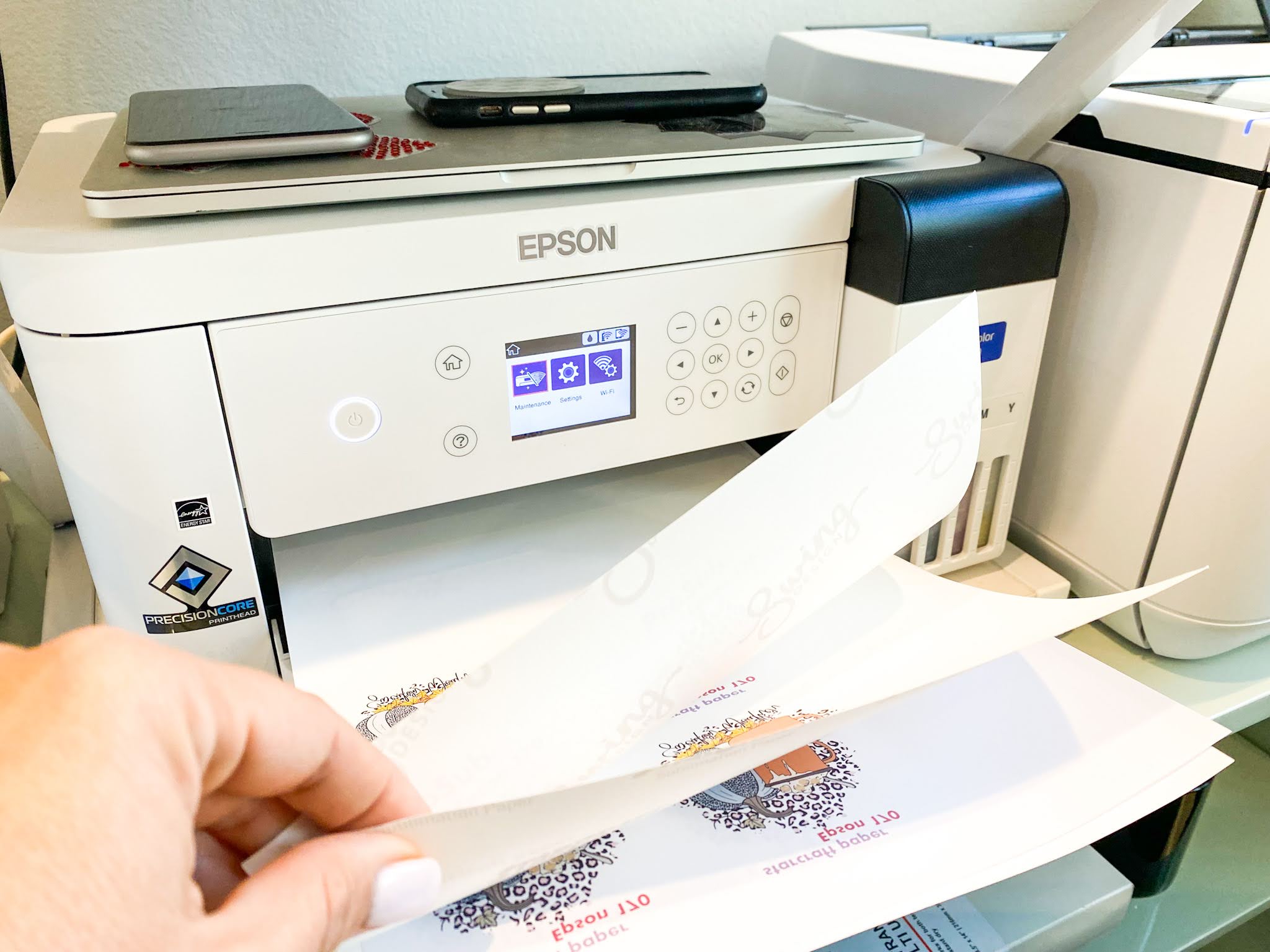
A-SUB®Sublimation Paper – Best Overall for Epson
| Property | Details |
| Epson compatibility | ✅ Excellent |
| Sawgrass compatibility | ✅ Good |
| Price per sheet (8.5×11″) | $0.35–0.50 |
| Weight | 120gsm |
| Dry time | Fast (~20 seconds) |
| Jam rate (per 50 sheets) | <1% |
Test results:
| Metric | Score (1–10) |
| Color accuracy (on paper) | 9 |
| Transfer saturation | 9 |
| Fine detail retention | 9 |
| Wash durability (20 washes) | 9 |
Where to Buy Sublimation Paper (Without Getting Scammed)
I’ve bought from all of these. Here’s what I’ve learned.
Trusted Sources
| Source | Pros | Cons | Recommendation |
| Direct from supplier (like us) | Sample packs, printer-specific advice, bulk pricing | Requires inquiry (email/form) | ⭐⭐⭐⭐⭐ |
| Amazon (official brand store) | Easy, fast shipping, returns | Higher prices, fakes exist | ⭐⭐⭐ |
| Specialty print supply stores | Genuine products, expert advice | Expensive, slower shipping | ⭐⭐⭐⭐ |
| eBay / AliExpress / Taobao | Cheap | High fake risk, no support | ⭐⭐ |
Important things to be aware of:
- ❌ Prices below $0.20 per sheet – almost always paper with quality issues.
- ❌ Brand names with random letters (e.g., "XuanYuanPrint") – temporary sellers, inconsistent quality.
- ❌ Reviews saying "Haven't used it yet, looks good" – these reviews are too simplistic and lack actual user feedback.
- ❌ Sellers unable to answer basic questions (weight, drying time, compatibility) – simply reshipping.
- ❌ No returns or satisfaction guarantees – they know the quality is poor.
One of our customers once bought a "special offer" on eBay: 200 sheets for only $30. Half of it jammed the printer, and the other half printed very faintly. In the end, they wasted more ink and time than that. Cheap paper is actually quite expensive.
How to Test New Sublimation Paper (Before Bulk Purchase)
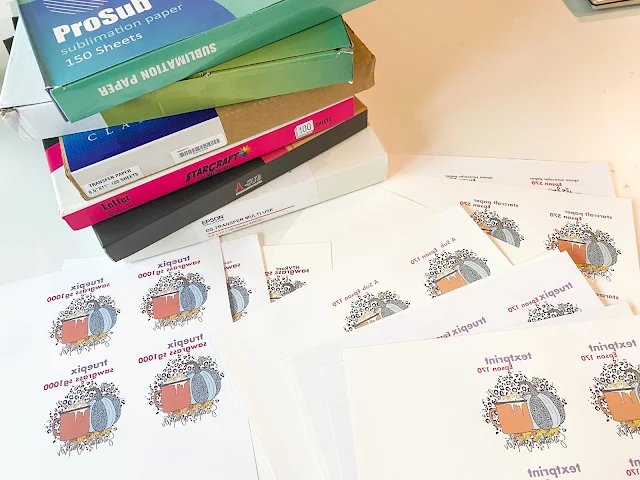
This four-step testing process can save you thousands of dollars on inferior paper.
Step 1: Print Test Images
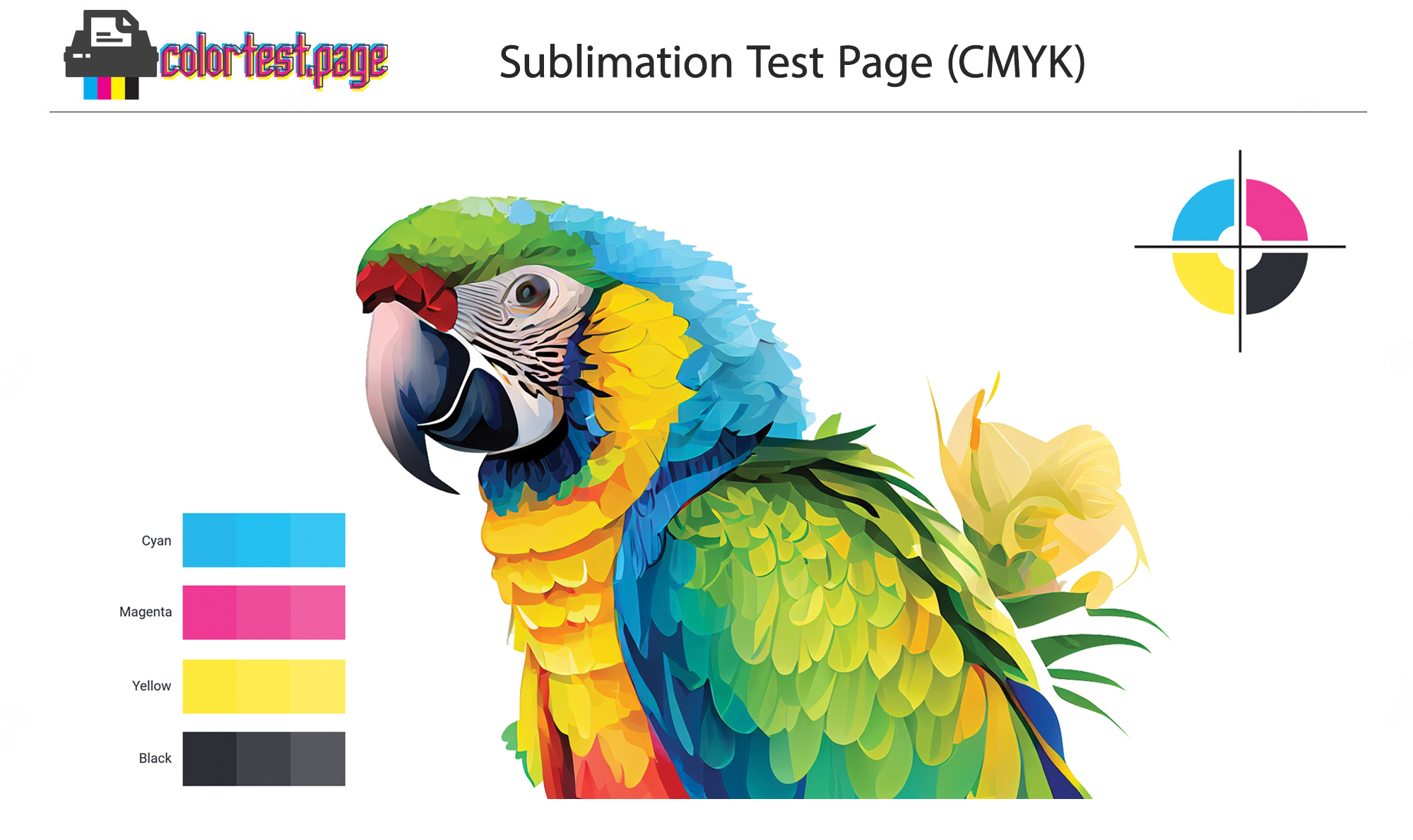
Print an image containing the following:
- Solid color blocks (red, blue, yellow, black)
- Gradient colors (test for smooth transitions)
- Fine lines (test for sharpness)
- Small text (6pt or 8pt)
- Check for: Bleeding, blurring, or missed spots.
Step 2: Transfer to Standard Material
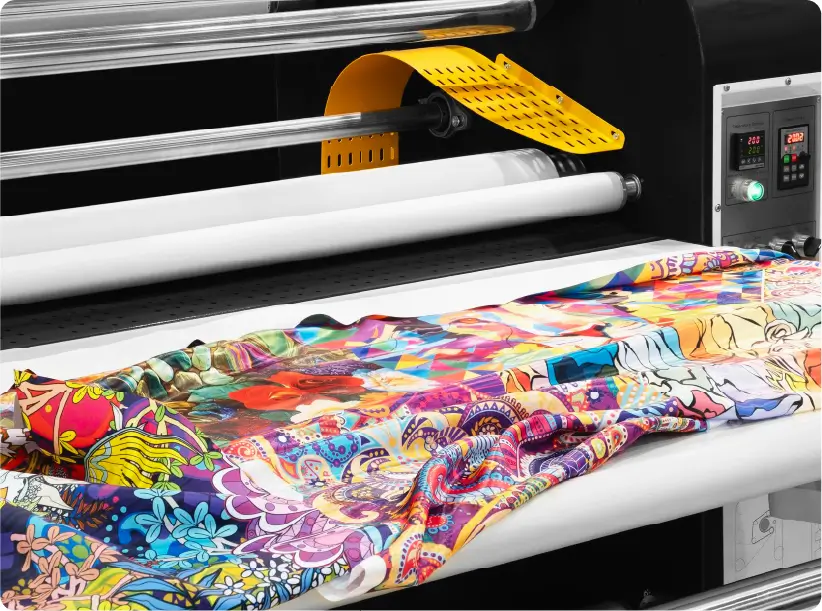
- Use the same polyester T-shirt or coated mug for each test.
- Same heat settings: 400°F (approximately 204°C), 45 seconds, medium to heavy pressure.
- Check for: Vibrant colors? Sharp edges? No ghosting?
Step 3: Inspect the transfer quality
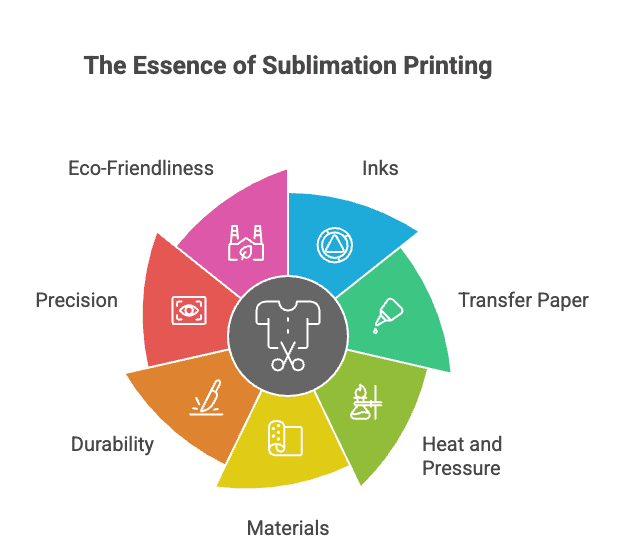
| What to check | Pass condition |
| Color saturation | As vibrant as your control paper |
| Edge sharpness | No blurring or feathering |
| Fine details | 6pt text is readable |
| Even coverage | No light or dark spots |
Step 4: Washing Test
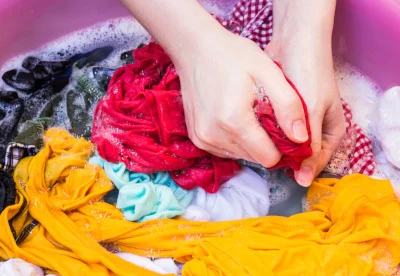
Wash the transferred item:
- After one wash – Did the color fade immediately?
- After five washes – Is the color still vibrant?
- After ten washes – Is there any cracking or peeling?
If the paper passes all four steps, you can confidently purchase in bulk. If any step fails, please switch brands.
Final Conclusion
Sublimation paper is not a one-size-fits-all product. Even using the same printer, different papers will produce different print results.
My top recommendation is A-SUB® sublimation paper sheets. They are reliable, affordable, and perfectly compatible with both Epson and Sawgrass printers.
- If you are on a budget: Epson users can choose Koala®, while Sawgrass® users don't need to consider it.
- If you are looking for the ultimate quality: TexPrin® is suitable for all printers. Although it is expensive, it is absolutely worth the price for customers who value high quality.
Finally, a piece of advice: Never buy 10,000 sheets of untested paper at once. Buy a sample pack first, print 5-10 designs, wash them for testing, and then make a decision.
Does more expensive paper mean better quality?
Not always.
TexPrint R is expensive and excellent.
Epson brand is expensive but not better than A-SUB for most users.
Koala is cheap and good enough for test prints.
Price is not a perfect indicator. Test results are.
How many sheets can I print before my printer needs cleaning?
Depends on the paper:
| Paper | Prints before cleaning needed |
|---|---|
| Fast-dry (A-SUB, Hiipoo) | 50–100 prints |
| Medium-dry (Koala, Epson) | 30–50 prints |
| Slow-dry (TexPrint R) | 20–30 prints |
My routine: Run a nozzle check every 20 prints. Clean when you see missing lines.
Can I mix different paper brands in the same printer?
Yes, but I don’t recommend it.
Different coatings can leave residue. Over time, this can cause banding or clogs. Stick to one brand per printer if possible.
What size sublimation paper should I buy?
| Printer | Recommended paper size |
|---|---|
| Epson ET-2800 / 2720 | 8.5×11″ or 8.5×14″ |
| Epson ET-15000 / ET-8550 | 11×17″ or 13×19″ |
| Sawgrass SG500 | 8.5×11″ |
| Sawgrass SG1000 | 11×17″ or 13×19″ |
My advice: Start with 8.5×11″. Only buy larger sizes when you have orders that require them.
One question I get constantly:
“Can you just tell me the one best paper?”
Here’s my honest answer after testing hundreds of sheets:
If you have an Epson printer: A-SUB
If you have a Sawgrass printer: Hiipoo
If you sell products professionally (either printer): TexPrint R
Those are my honest answers. No affiliate bias. Just what worked for me.